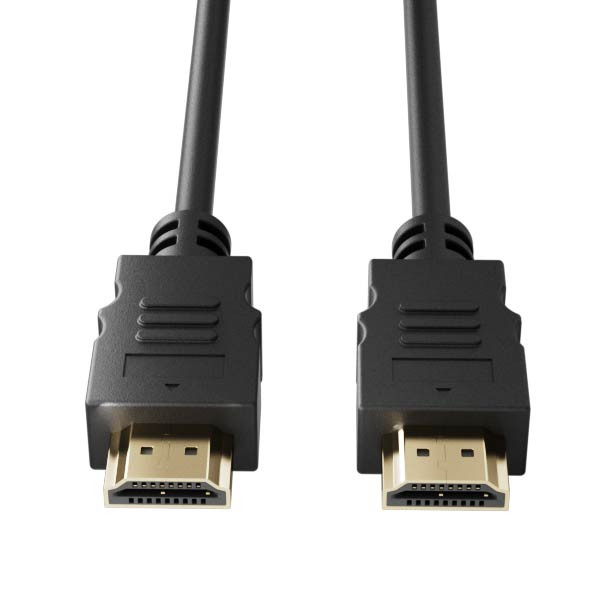
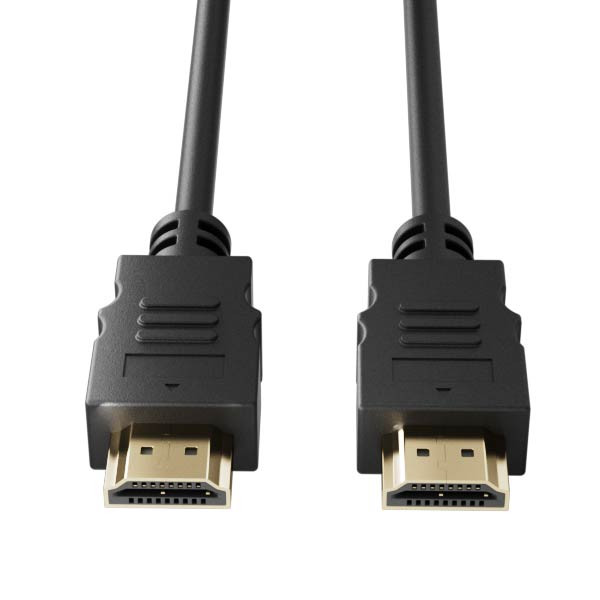
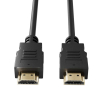
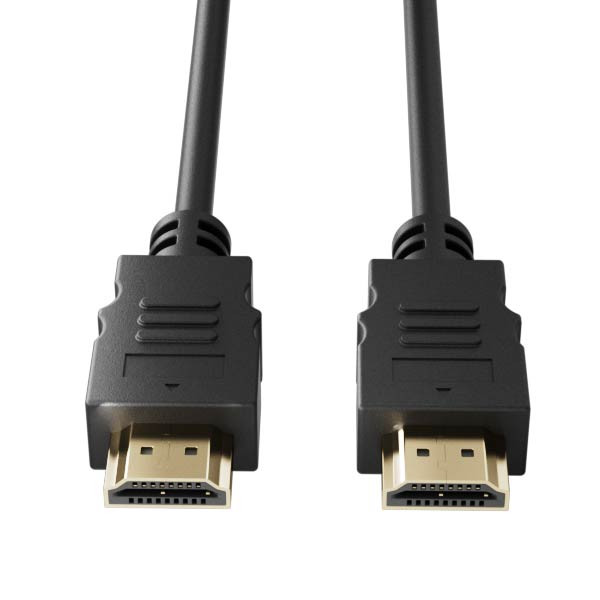
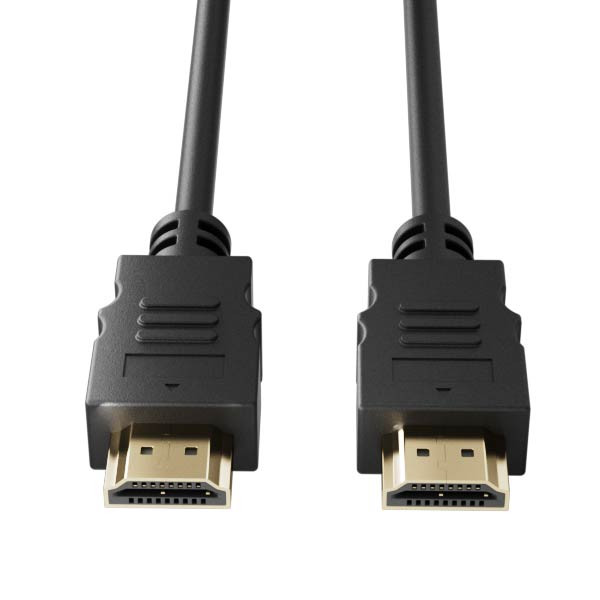
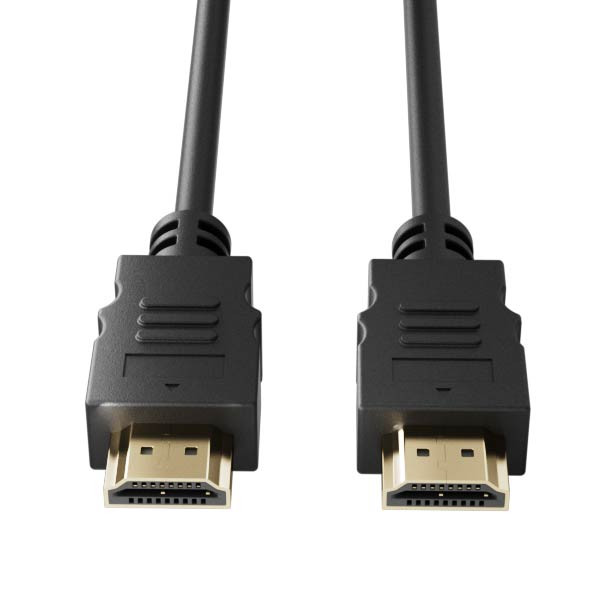
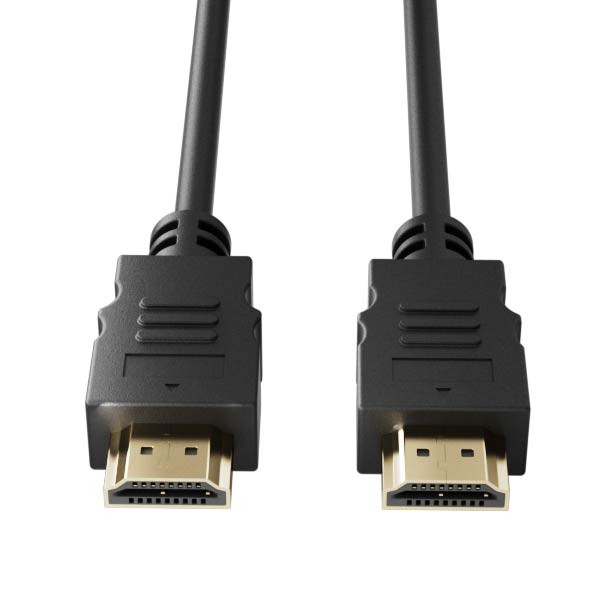
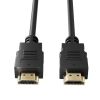
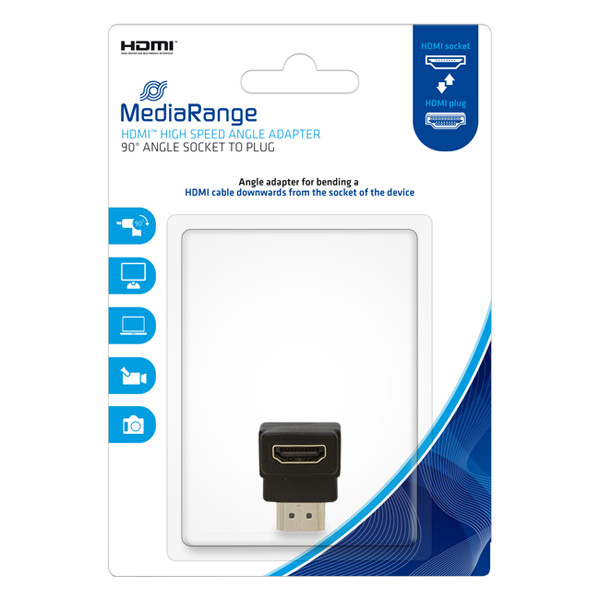
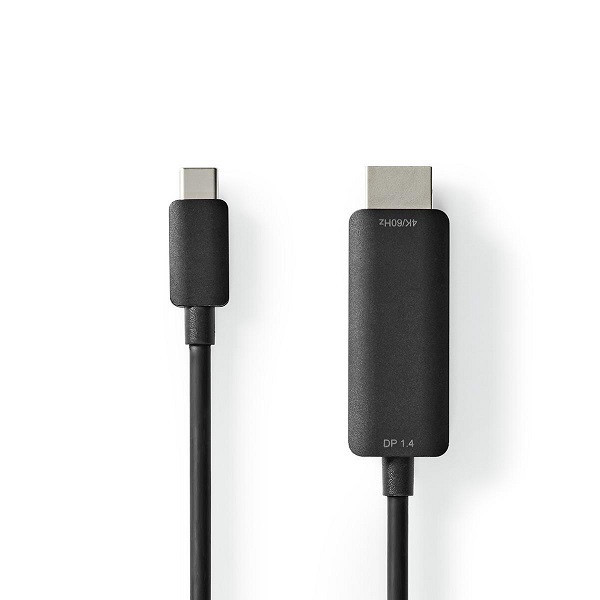
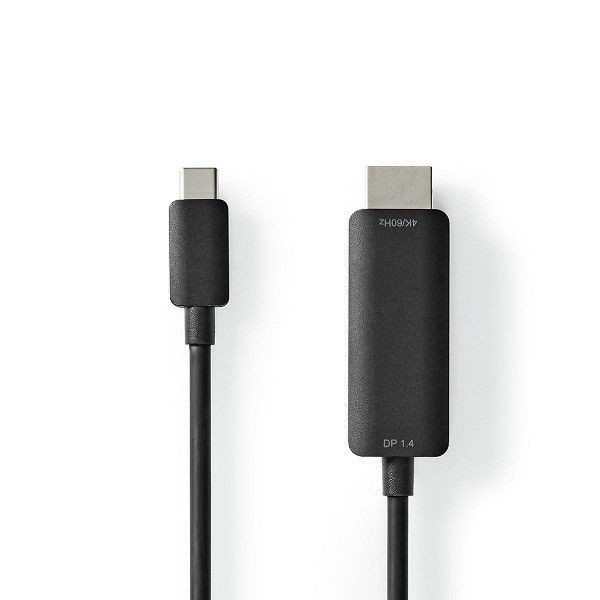
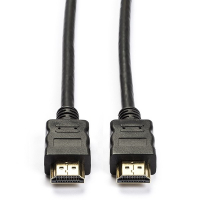
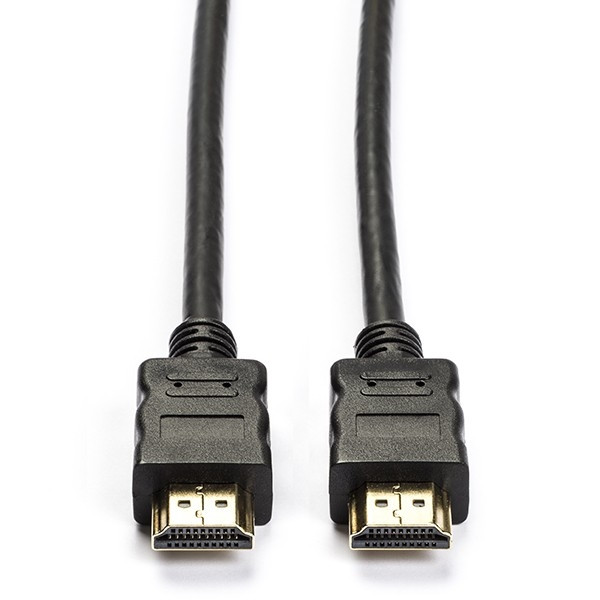
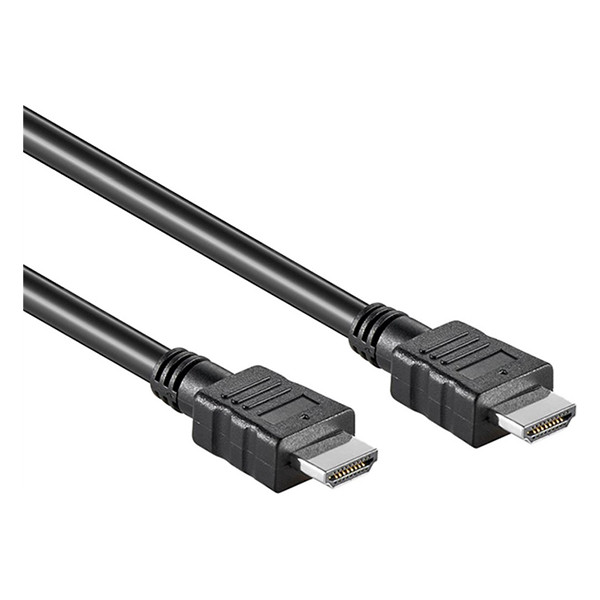
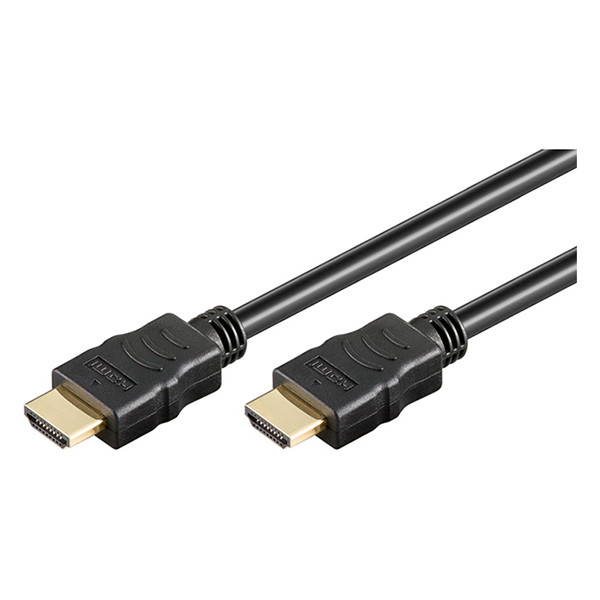
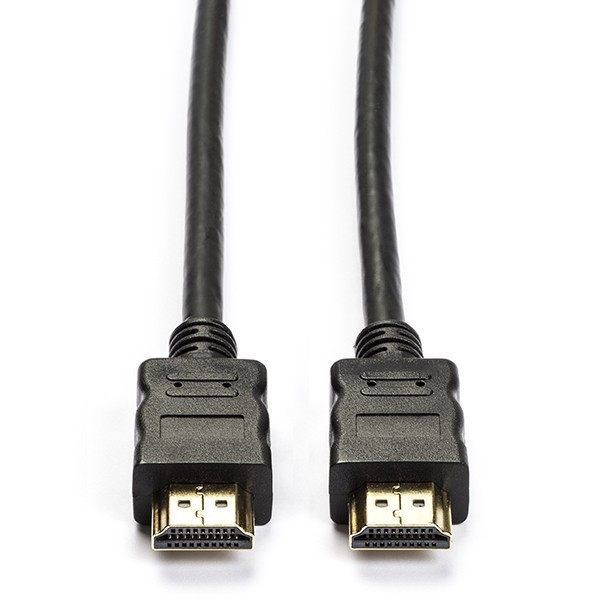
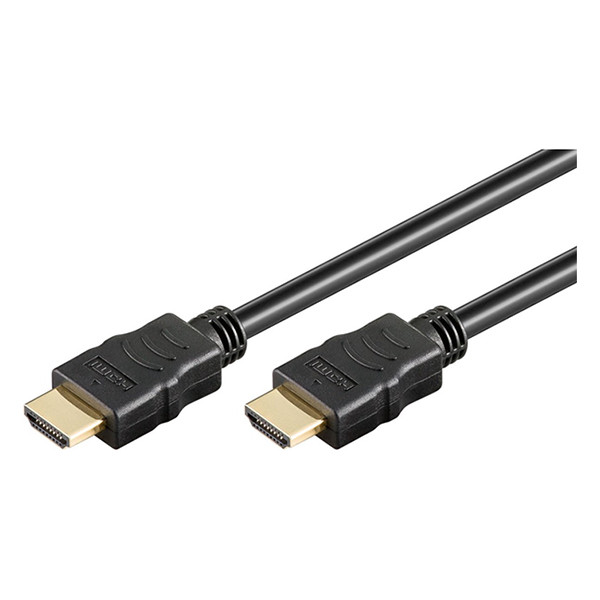
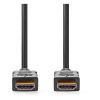
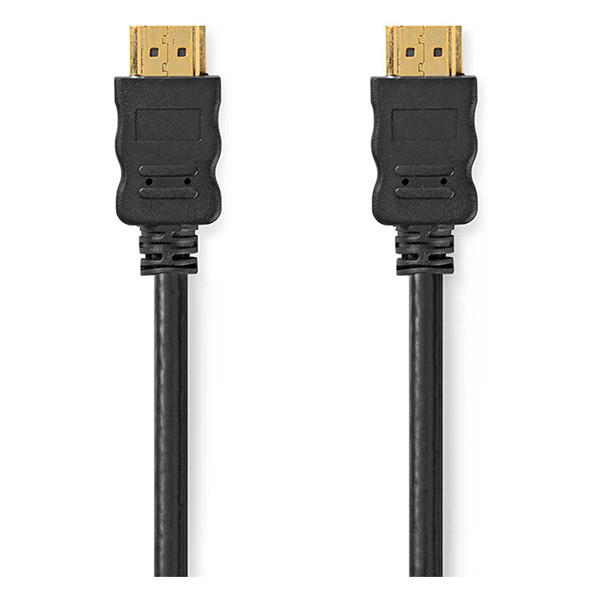
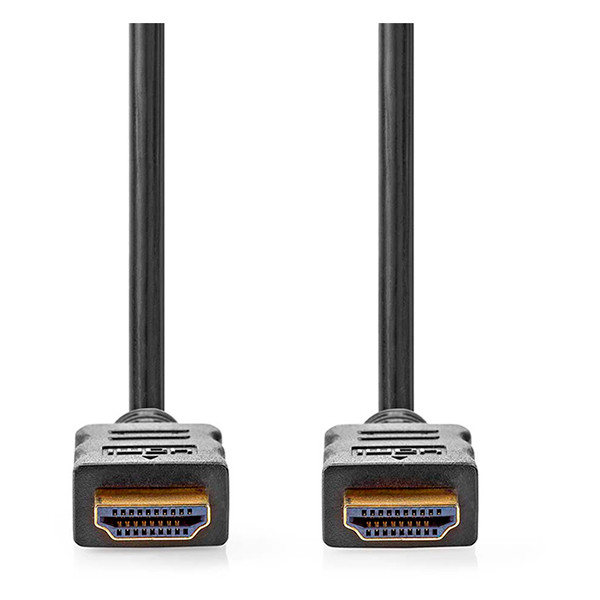
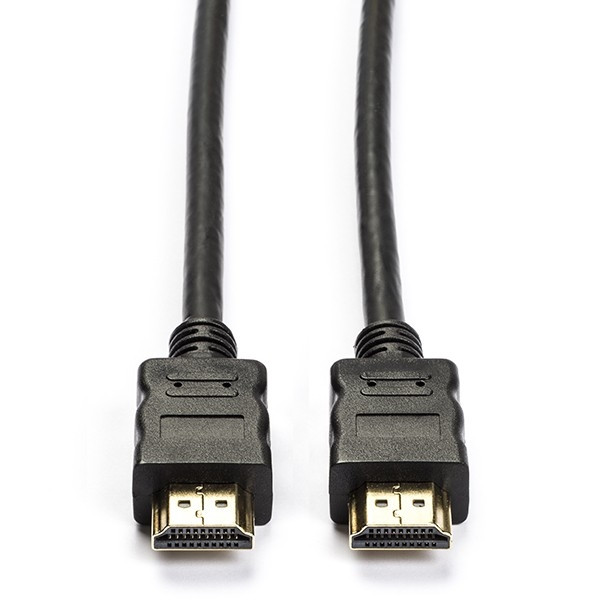
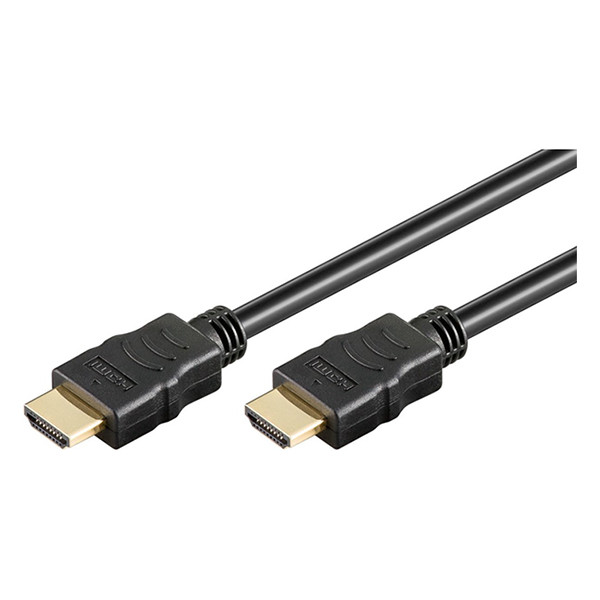
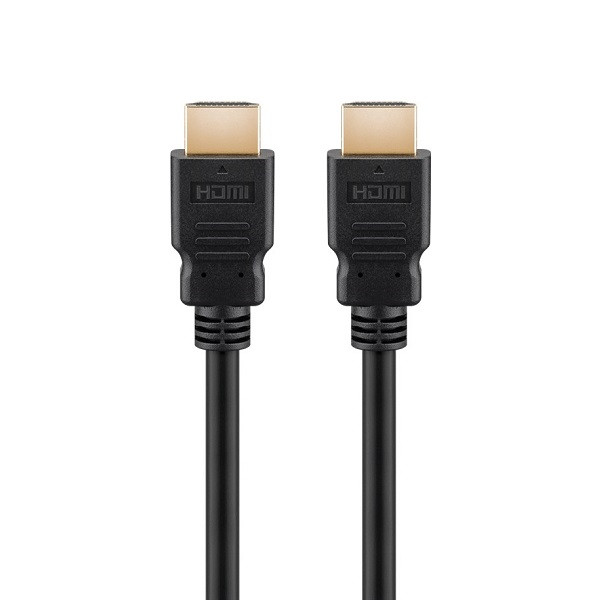
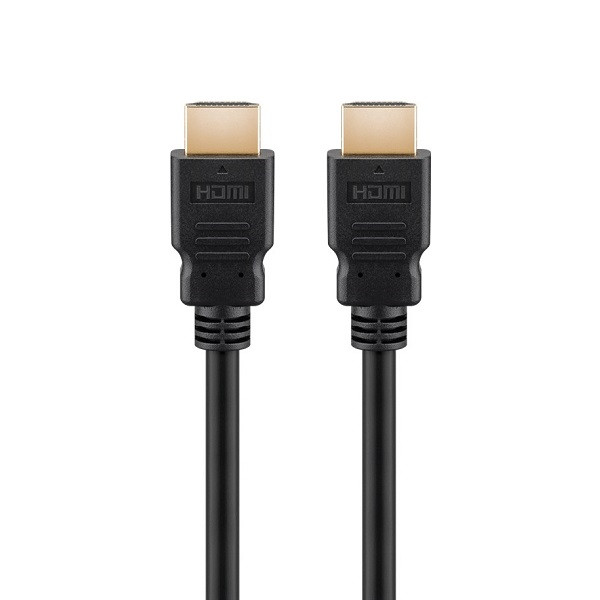
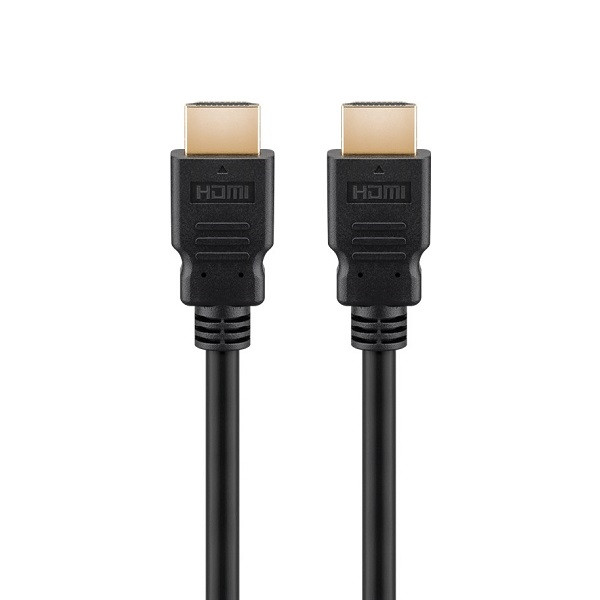
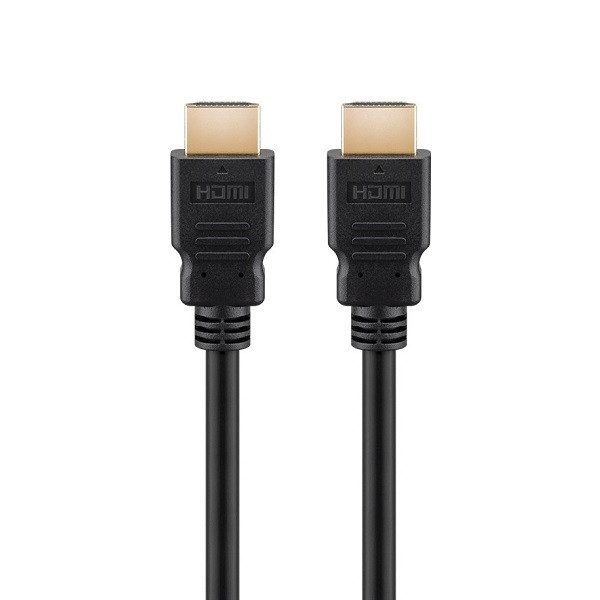
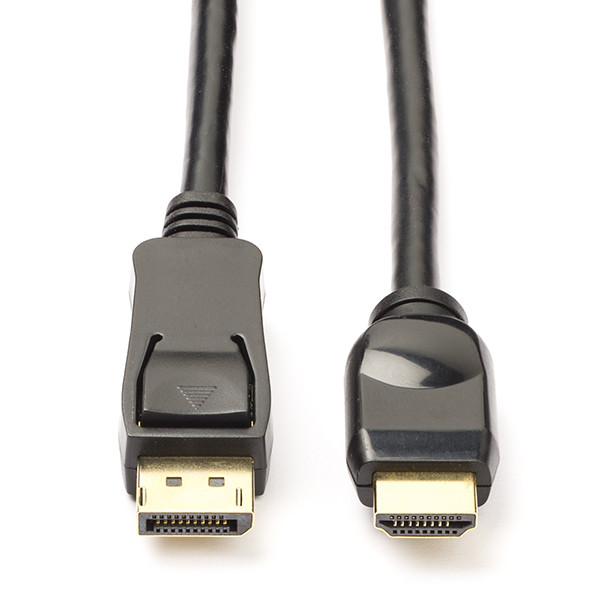
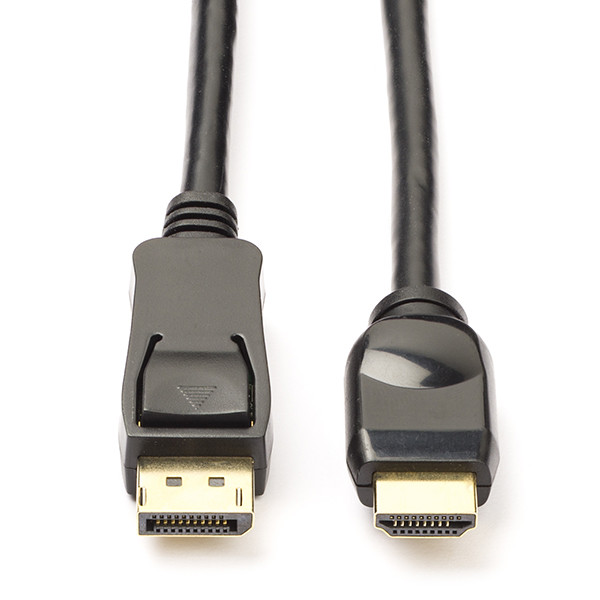
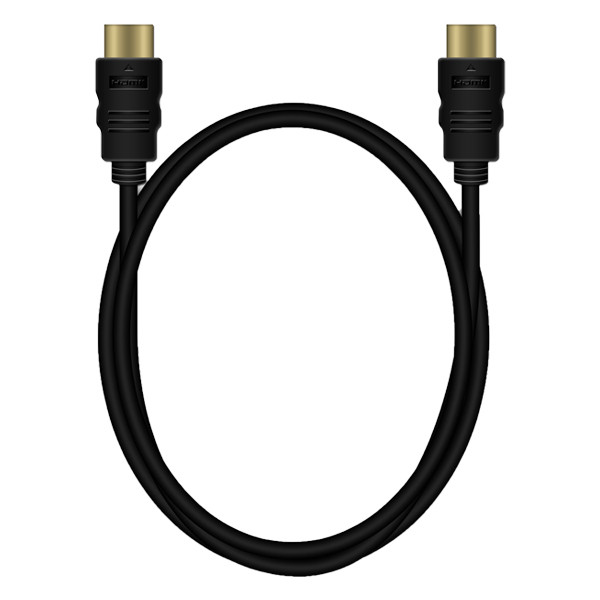
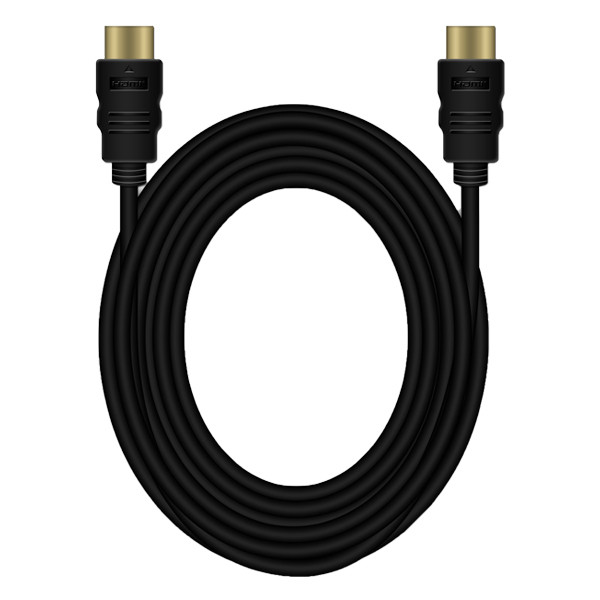
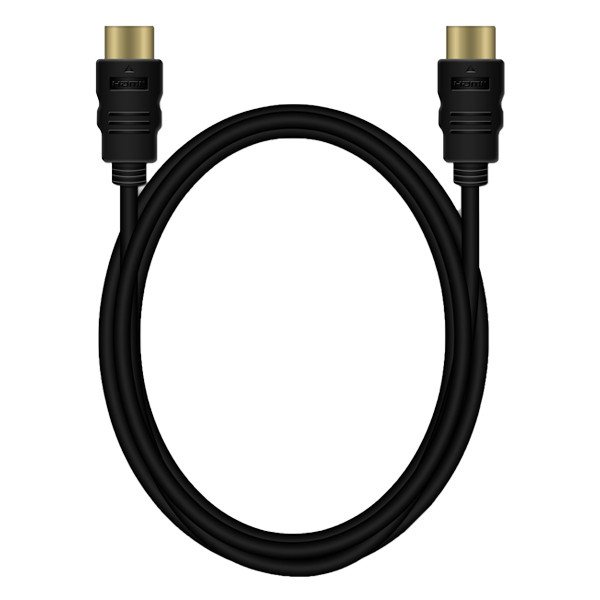
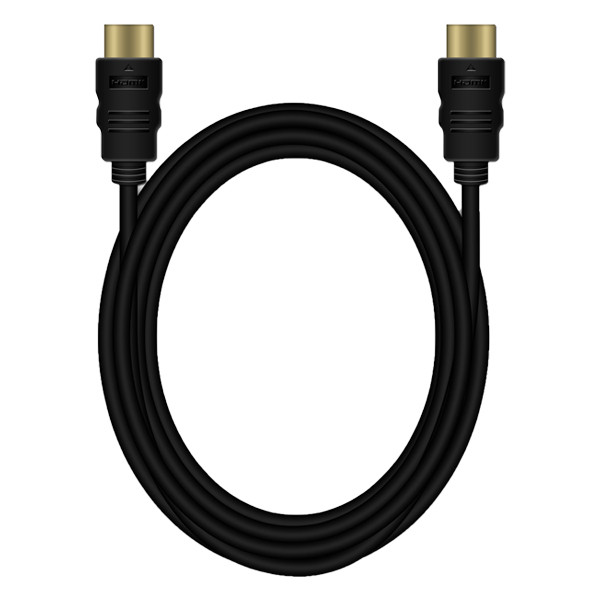
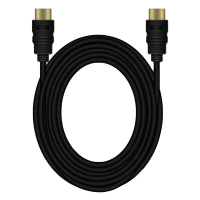
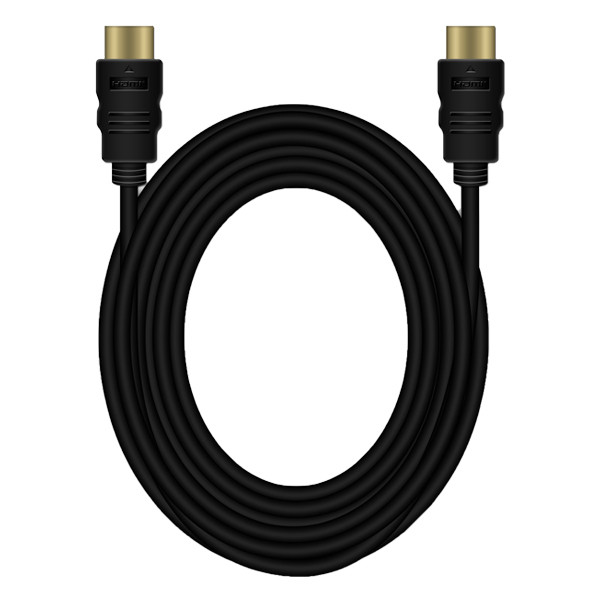
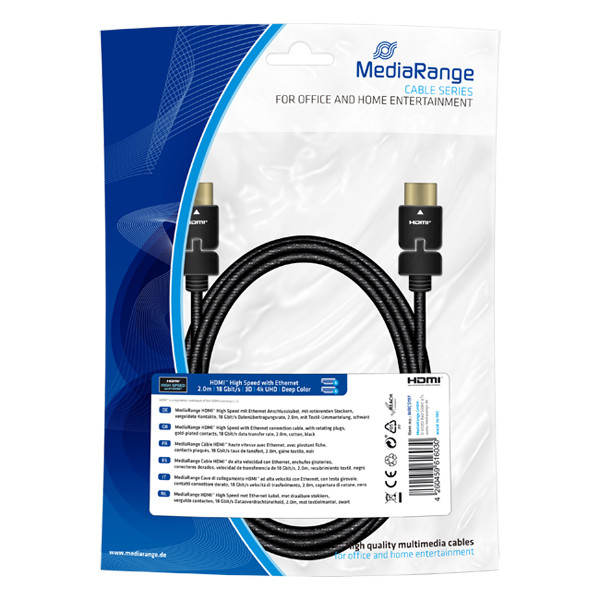
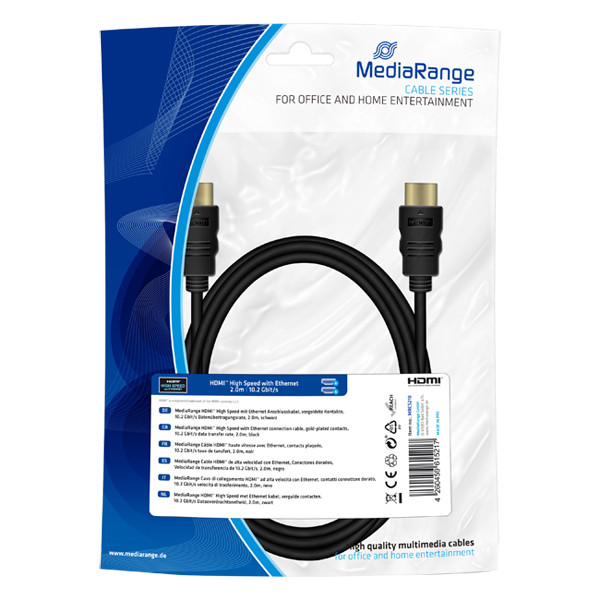
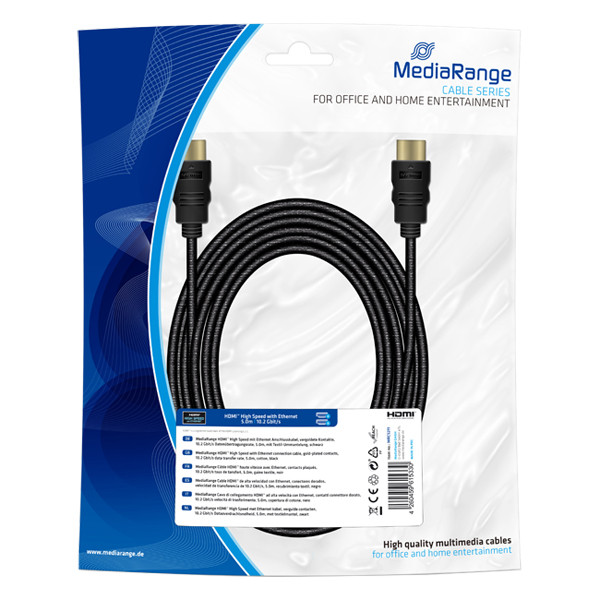
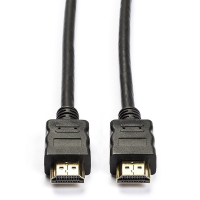
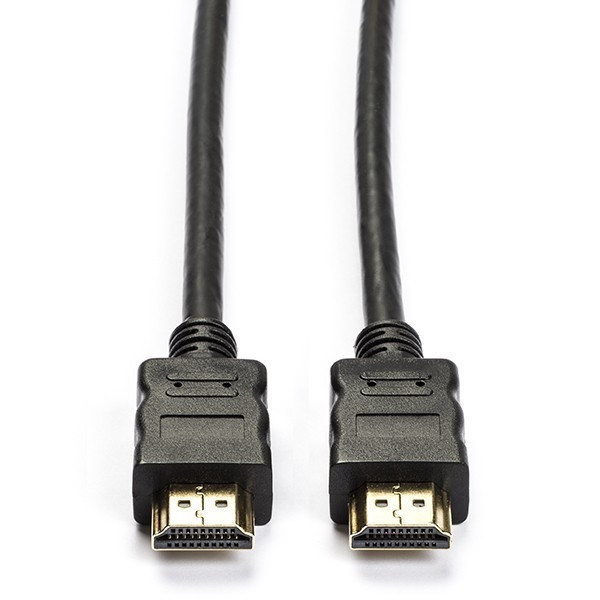
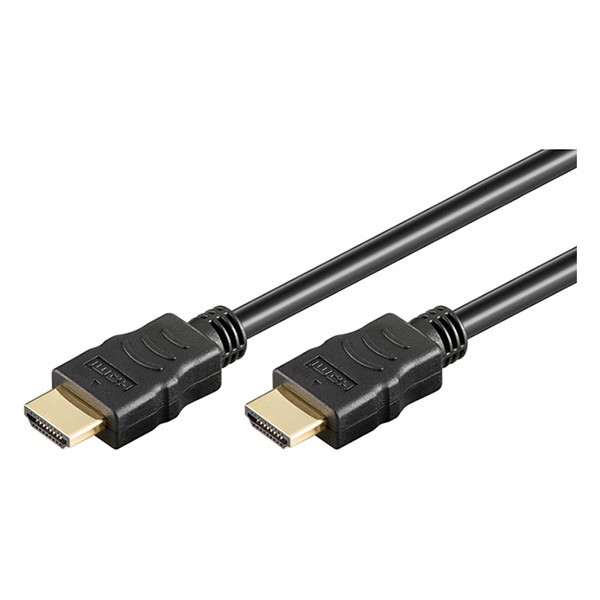
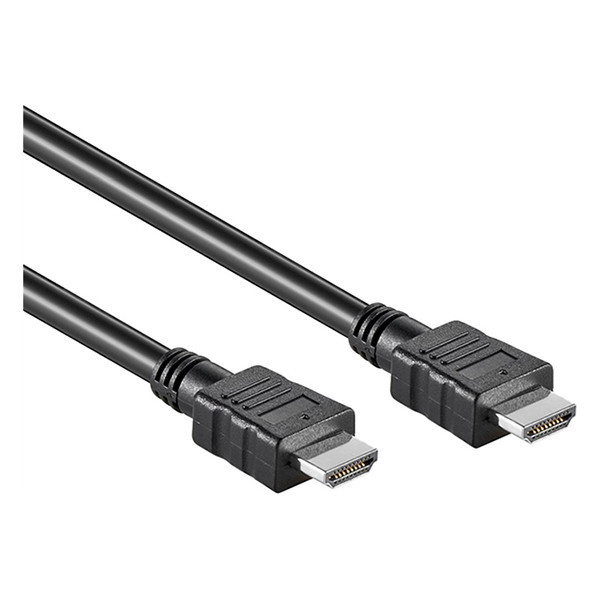
Add a HDMI cord to your home entertainment, gaming or office setup! HDMI cables can carry high resolution video, audio and even control signals, like using your television remote to control a connect device, without the need for any additional
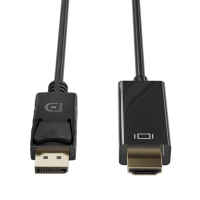
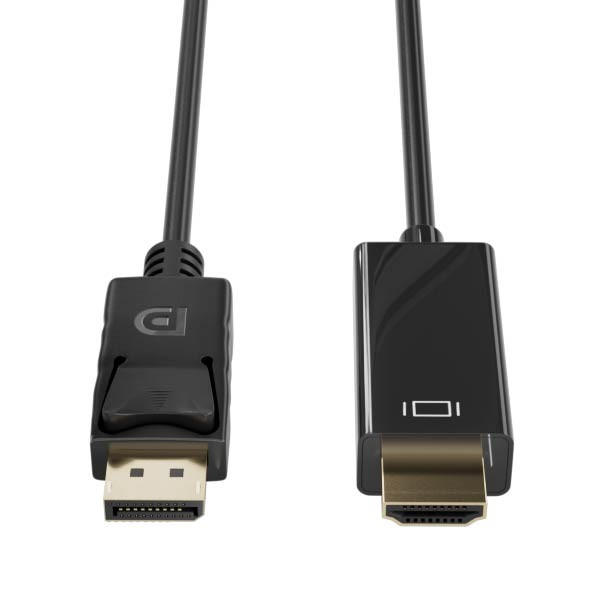
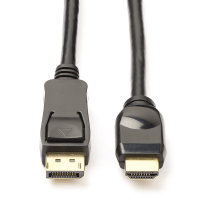
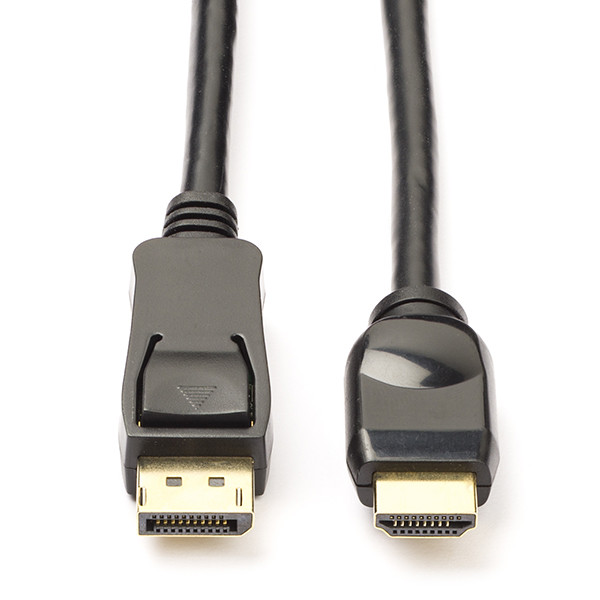
cables. With cable lengths that range from 0.5 metres to 5 metres, and options like USB to HDMI, USB-C to HDMI or DisplayPort to HDMI, you are guaranteed to find a HDMI cord that will suit your needs. Order your HDMI cables today and start connecting your devices!
Different types of HDMI cables
There are four main types of HDMI cables, each designed to support different resolutions and performance needs. Some HDMIU cables you will find include:
- Standard HDMI cables: Suitable for older devices, such as older televisions and DVD players, standard HDMI cables support up to 1080i.
- High Speed HDMI cables: Supports 1080p and 4K at 30Hz, typically used for Blu-ray players and older 4K televisions.
- Premium High Speed HDMI cables: Used with most modern televisions, streaming devices, and game consoles including PS4 Pro and Xbox One X, these cables support 4K at 60Hz with HDR.
- Ultra High Speed HDMI cables: The most ‘future-proof’ HDMI cables, these are compatible with Playstation 5, Xbox Series X and all HDMI 2.1 televisions and monitors, and support 4K at 120Hz and 8K at 60Hz.
Choose the right HDMI cable for your setup and enjoy crisp, smooth video and audio every time you stream!
Explaining HDMI resolution and refresh rate
Resolution is how sharp the picture looks, 1080p is clear, 41K is ultra-sharp, and 8K is extremely detailed. Refresh rate (measured in Hz) is how smooth motion appears; 60Hz is standard, while 120Hz makes fast action and games look silky smooth.

TIP!
Some laptops or tablets won’t have a HDMI port, so you will have to purchase a
USB adapter to allow you to easily connect to a television or monitor!
HDMI troubleshooting tips
If you’re having issues with your HDMI connection, try these quick fixes to get back to crisp video and clear audio.
| Issue |
What to try |
| No picture / "No signal" |
Check TV input, reset cables or try another HDMI port |
| No sound |
Select HDMI audio, enable ARC/eARC if used, try another cable |
| Flickering / cutting out |
Use a certified cable, shorten the cable, match resolution/refresh rate |
| Wrong resolution / colours |
Match device output to TV, enable HDMI Enhanced Mode |
| Gaming lag |
Turn on Game Mode, use Ultra High Speed cable, enable VRR/ALLM |
If problems persist, check your devices and cables, or try a different HDMI port! Purchase HDMI cables here now.
Other useful products
Common Questions
What are HDMI cables used for?
HDMI cables carry video, audio, and control signals between devices like televisions, monitors, gaming consoles, laptops, and soundbar. Purchase a HDMI cable at 123ink.ie now.
Can I connect to a device without a HDMI port?
Yes, you will be able to connect your laptop or tablet to TVs or monitors with the help of a USB to HDMI adapter! You can find an adapter at 123ink.ie.
Do I need a special HDMI cable for 4K or 8K?
For 4K at 60Hz, you will need to use a Premium High Speed HDMI cable, while for 4K or 8K at 120Hz you will need to use an Ultra High Speed HDMI cable. Pick a high-quality HDMI cable at 123ink.ie!
Can’t find what you’re looking for?
Contact us, we’ll point you in the right direction.