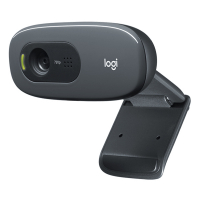
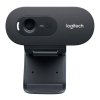
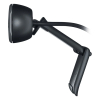
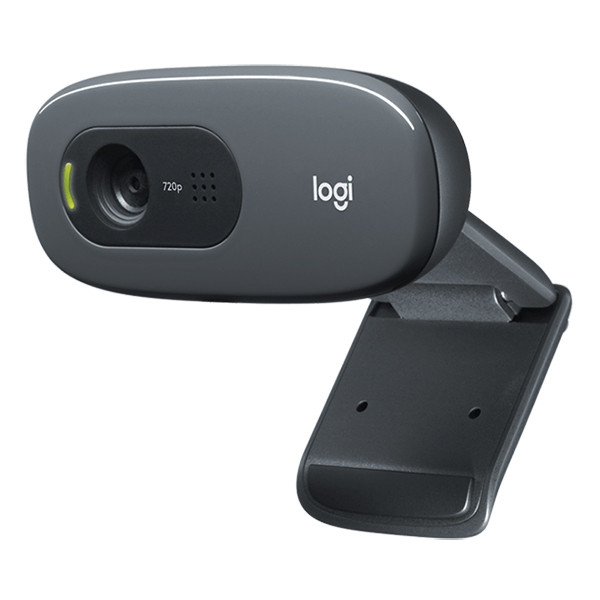
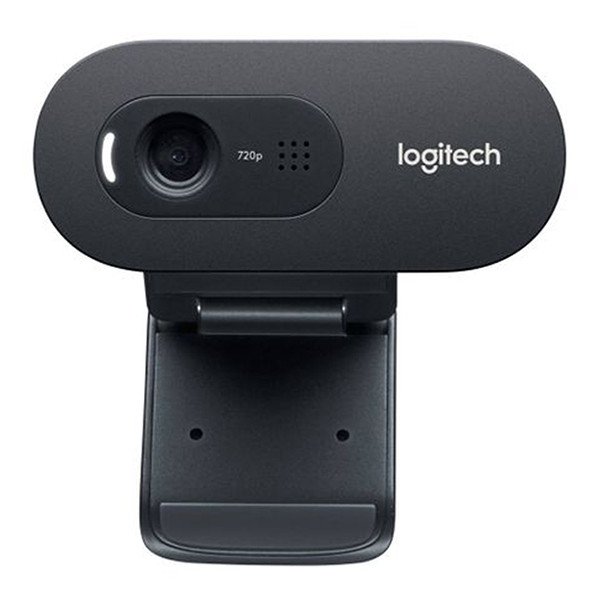
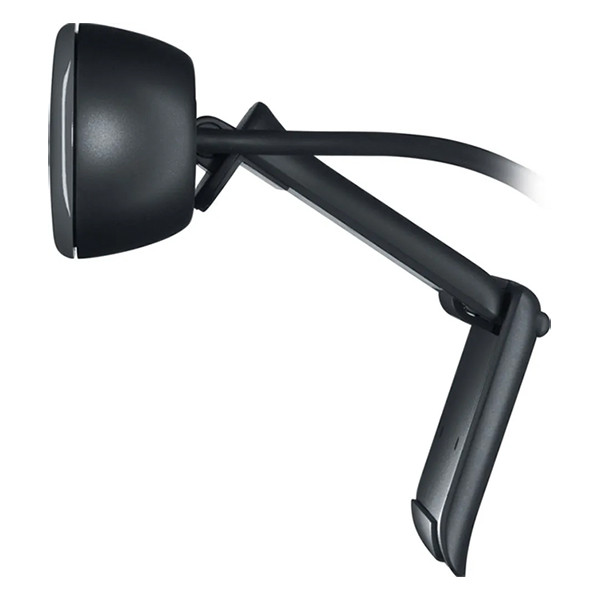
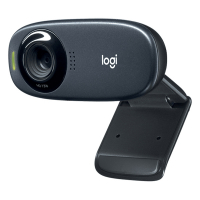
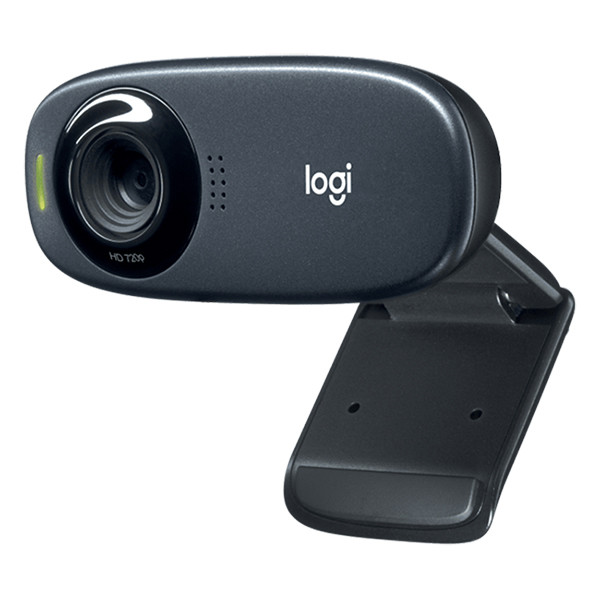
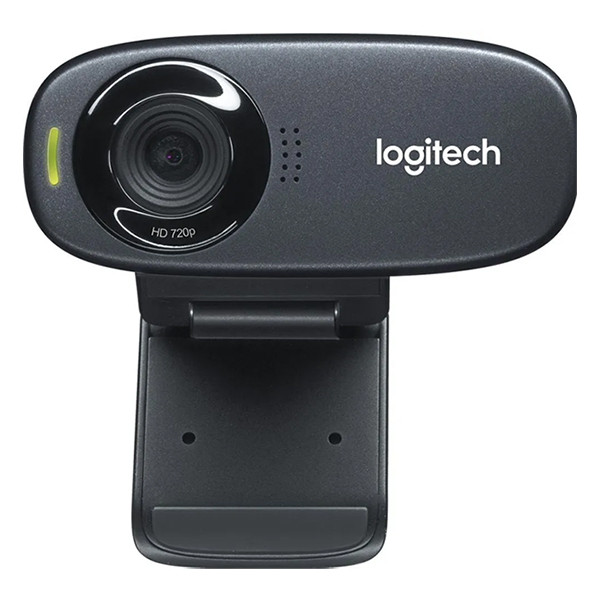
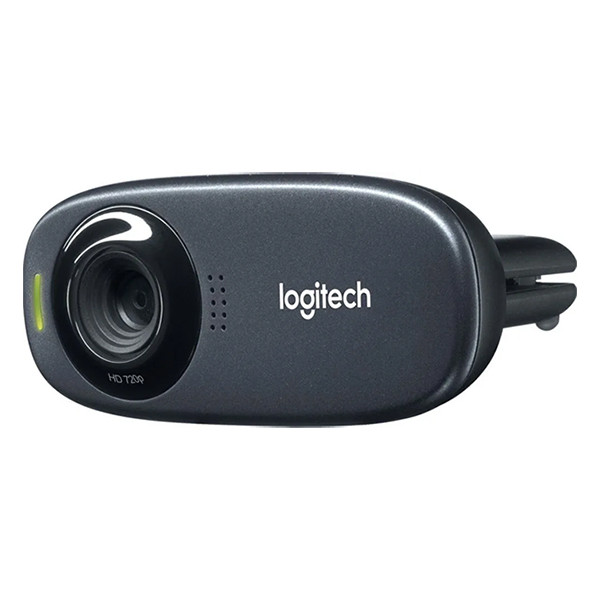
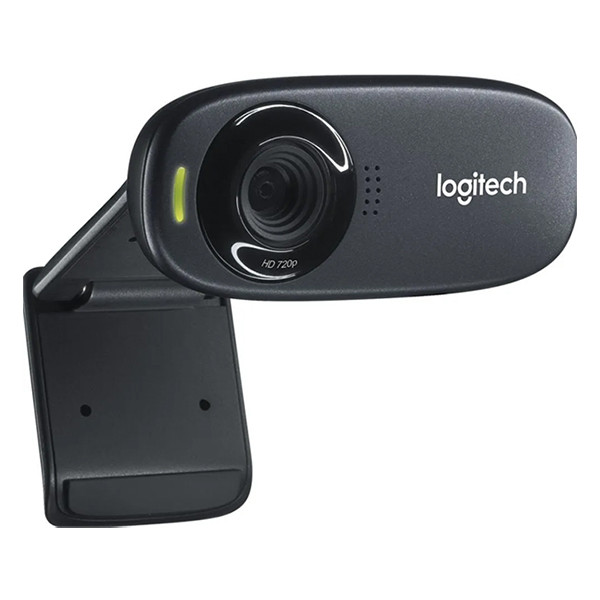
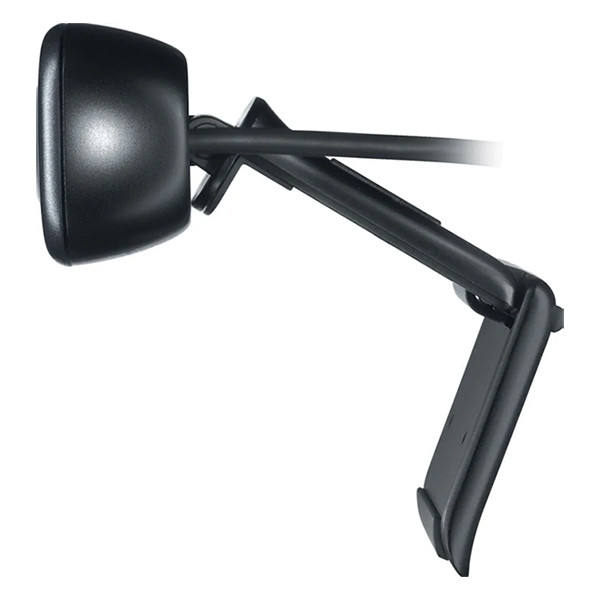
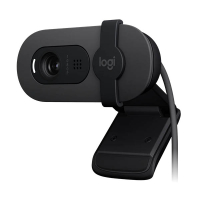
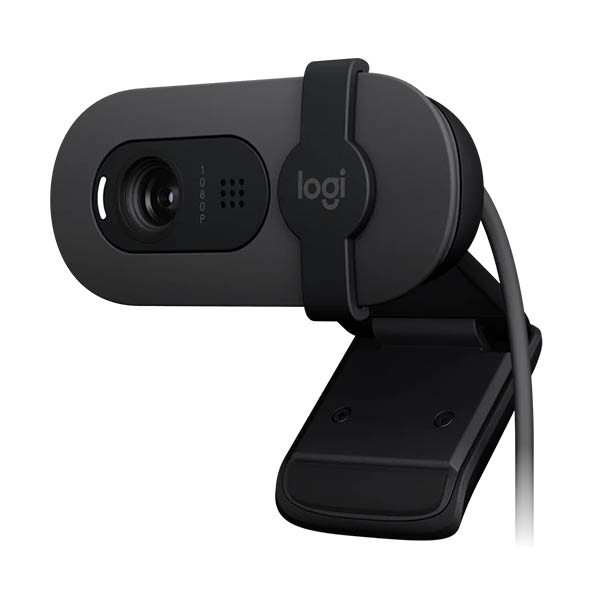
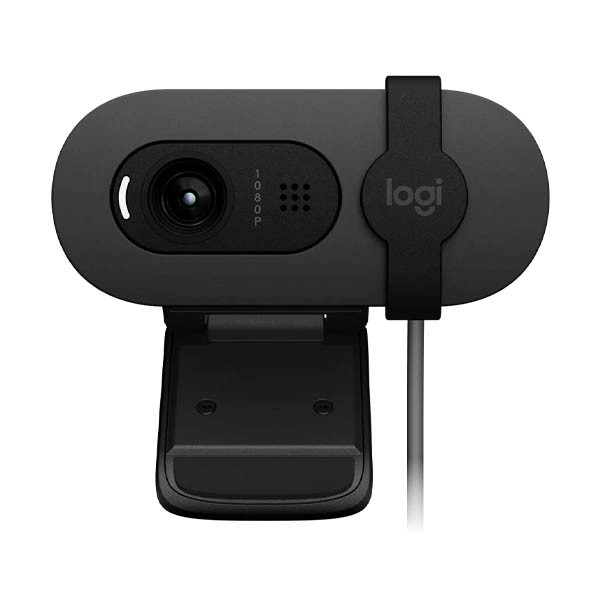
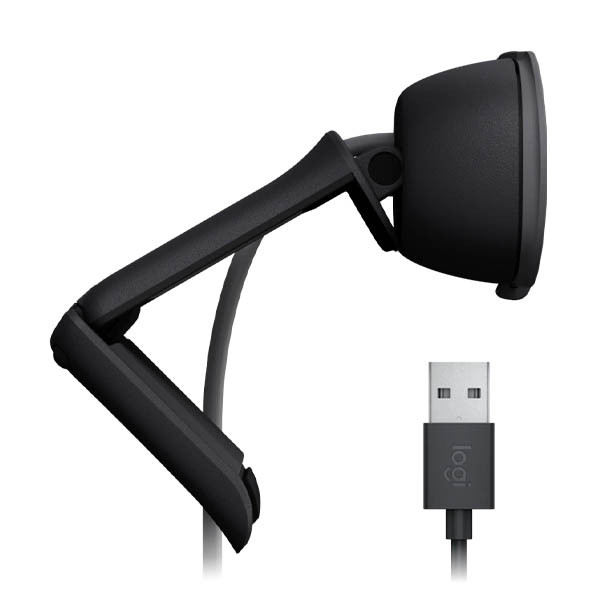
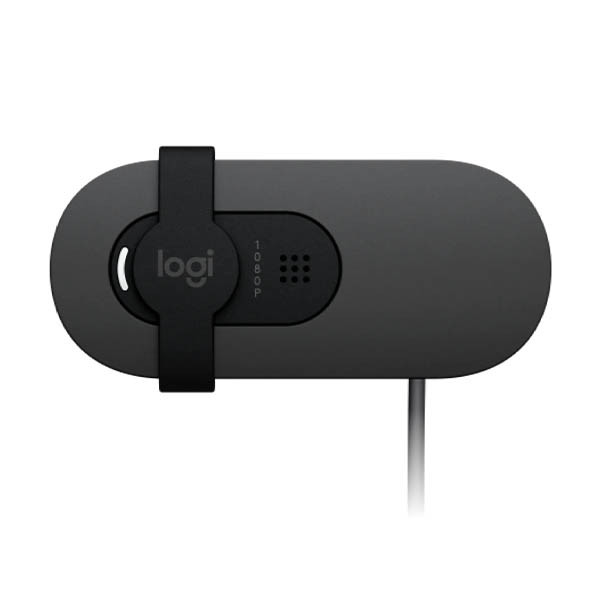
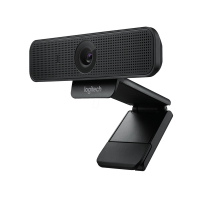
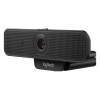
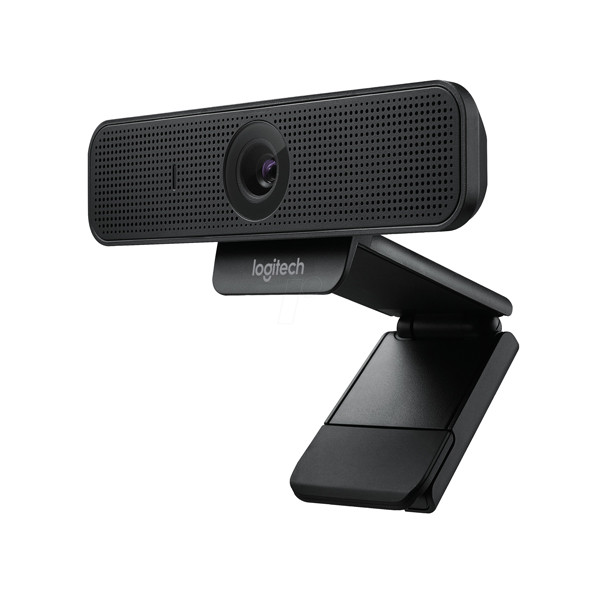
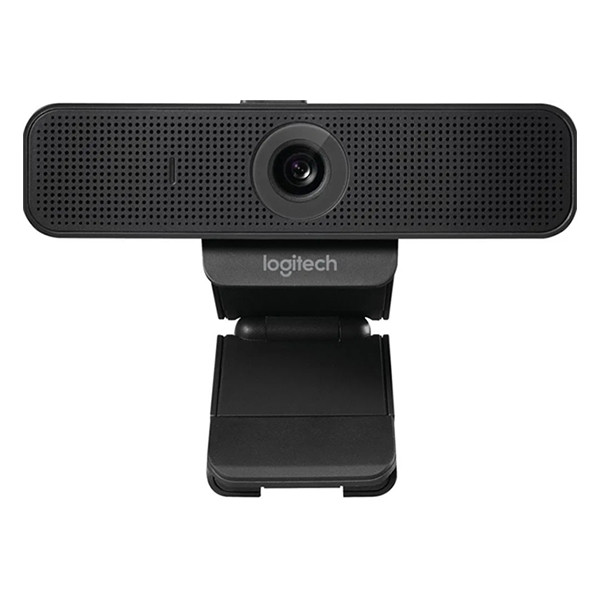
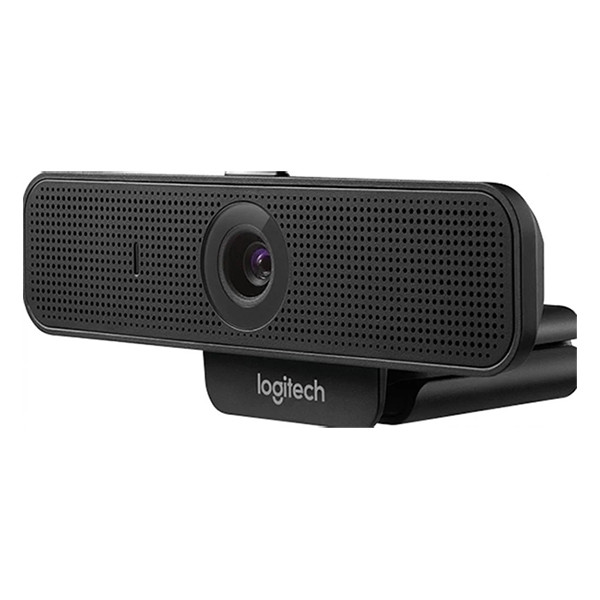
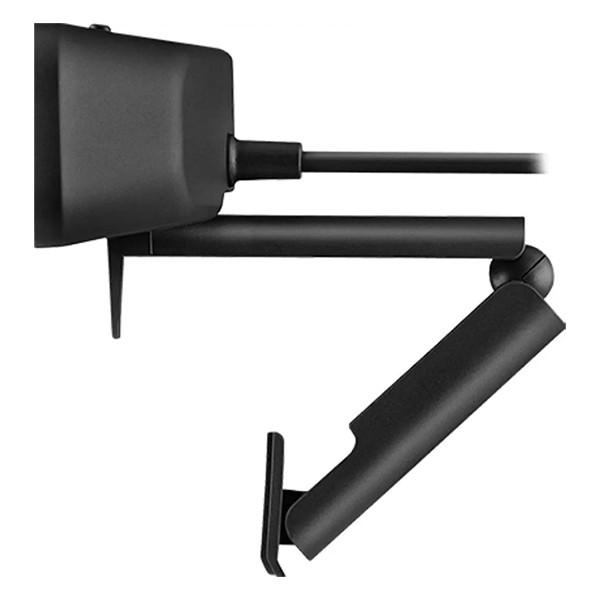
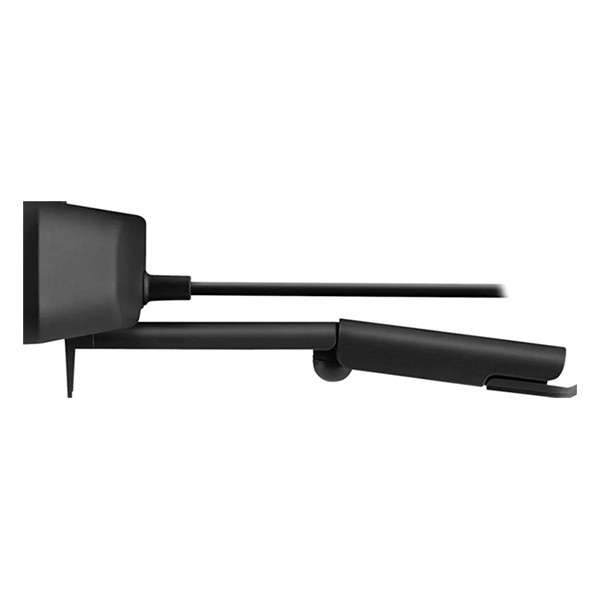
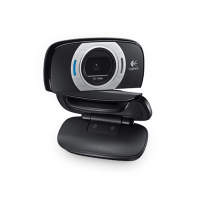
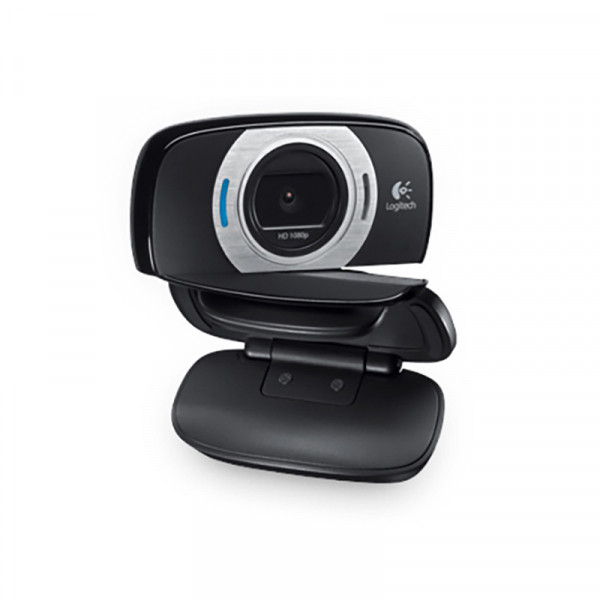
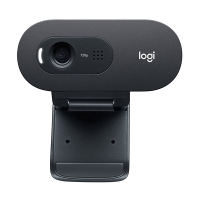
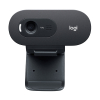
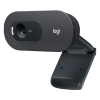
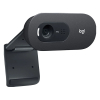
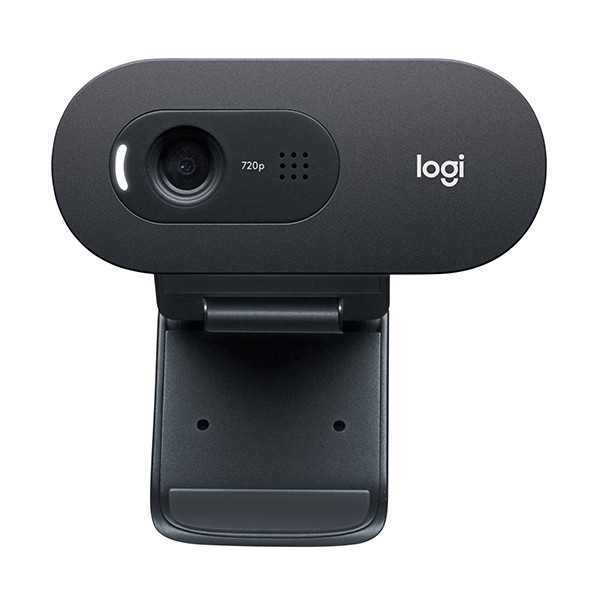
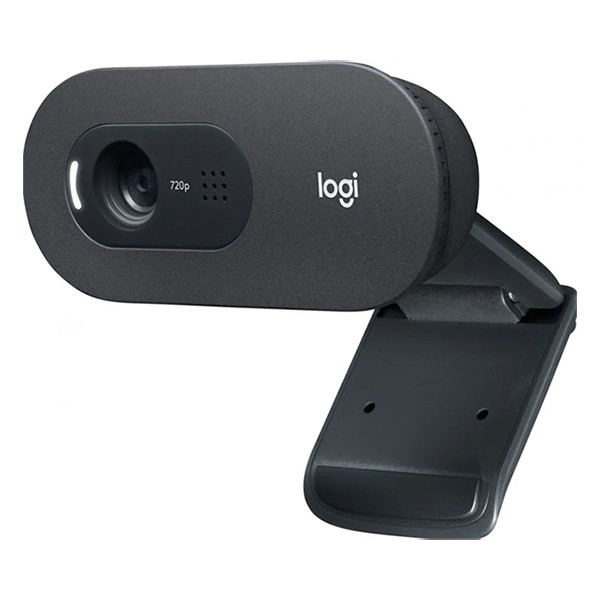
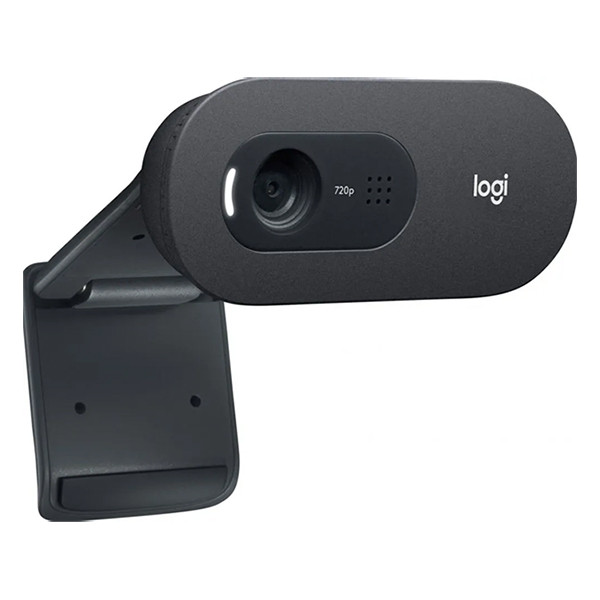
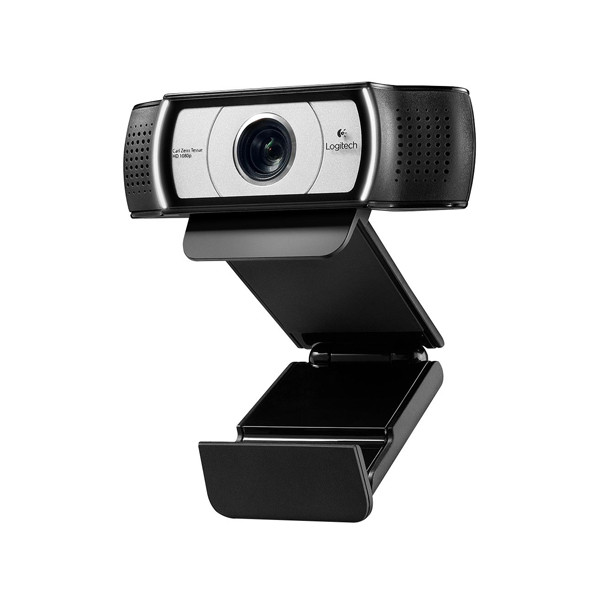
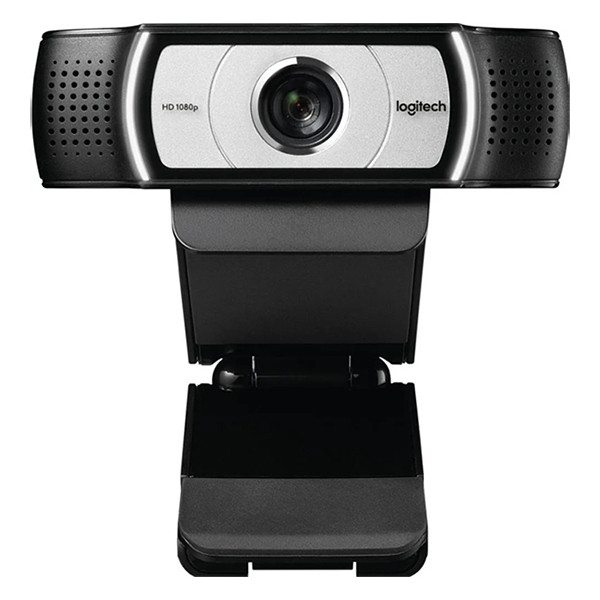
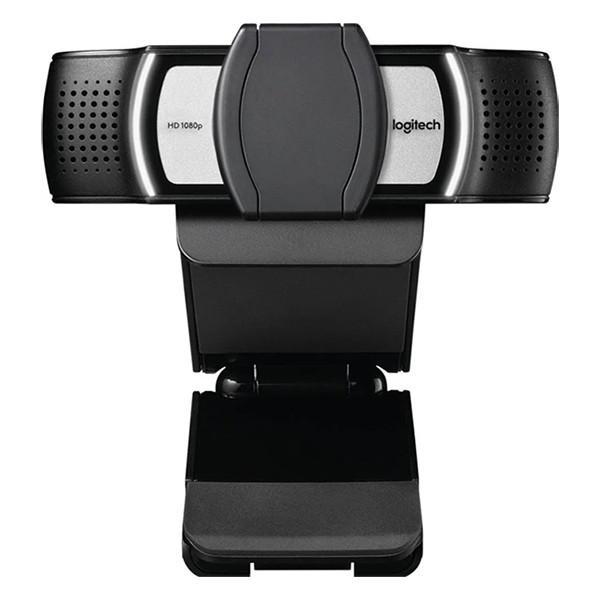
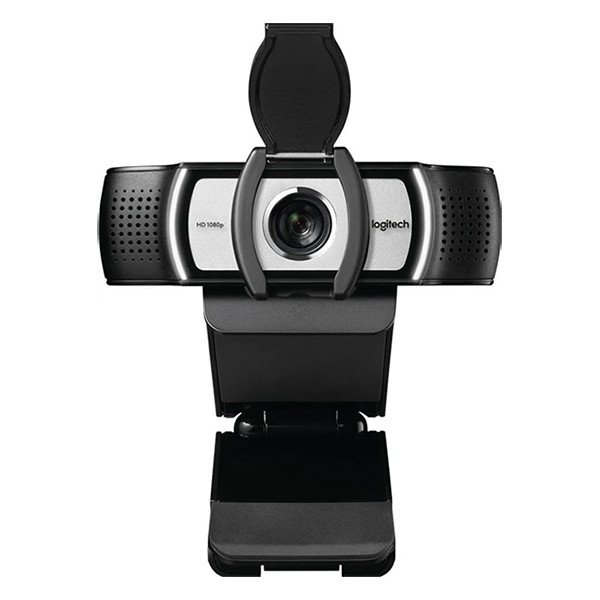
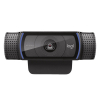
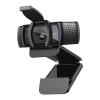
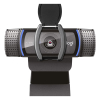
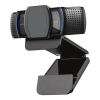
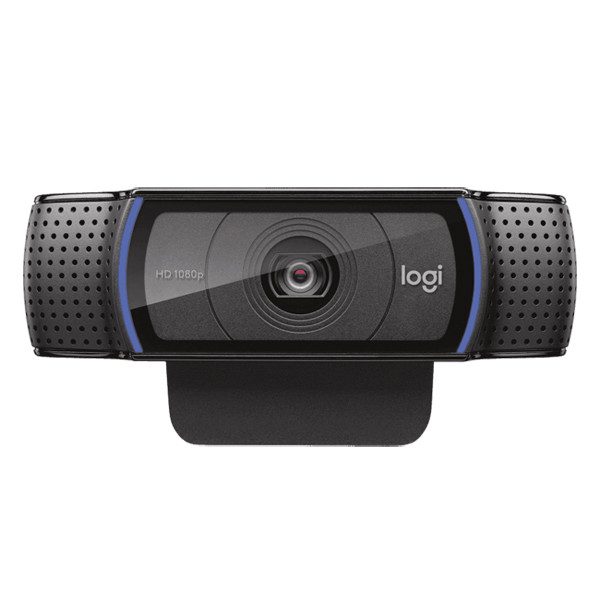
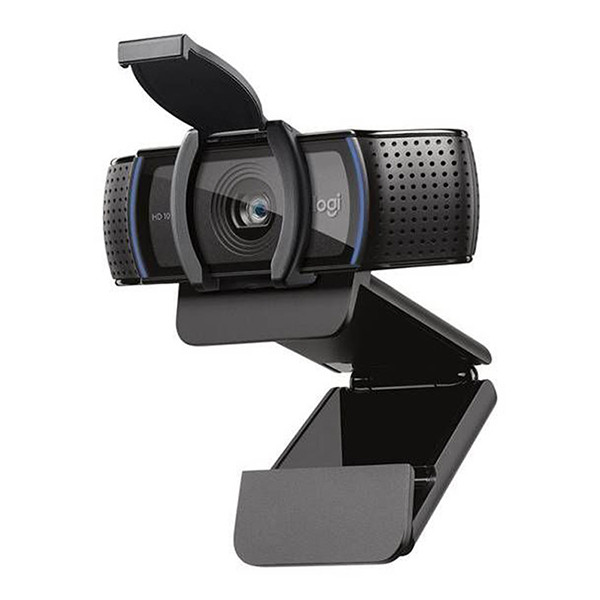
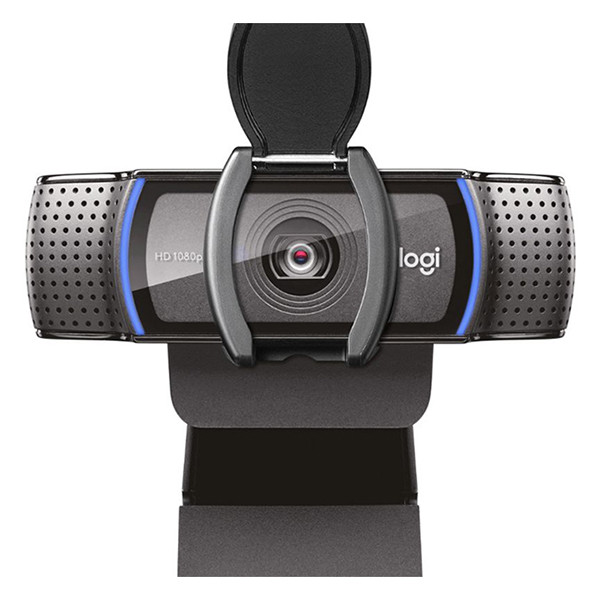
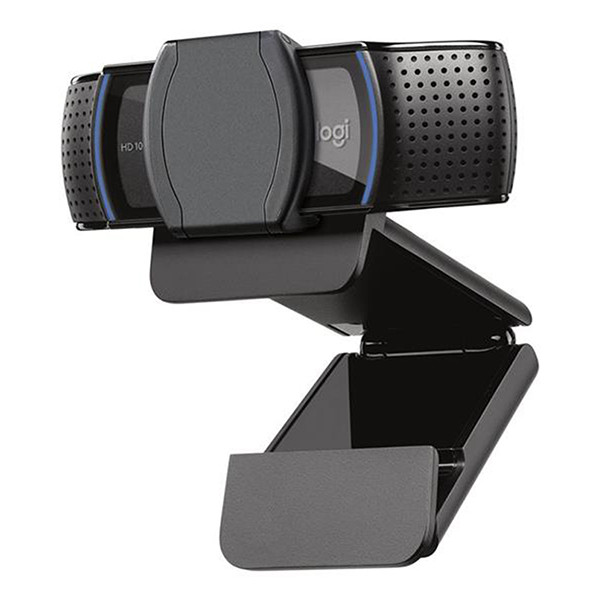
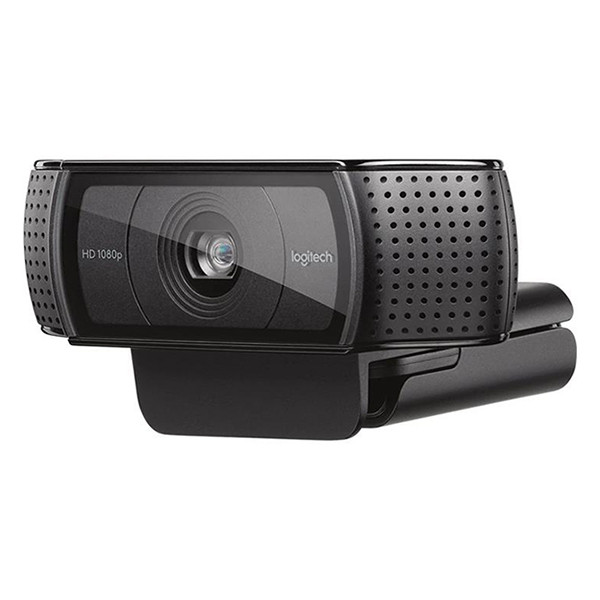
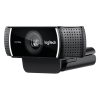
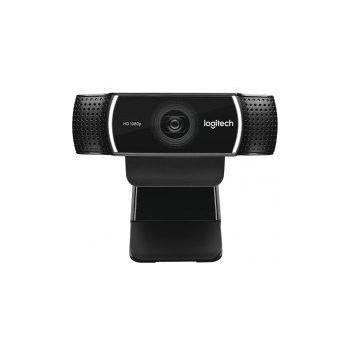
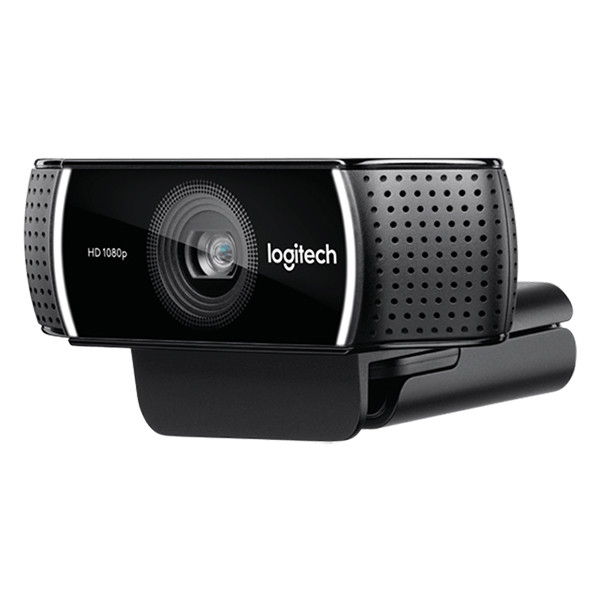
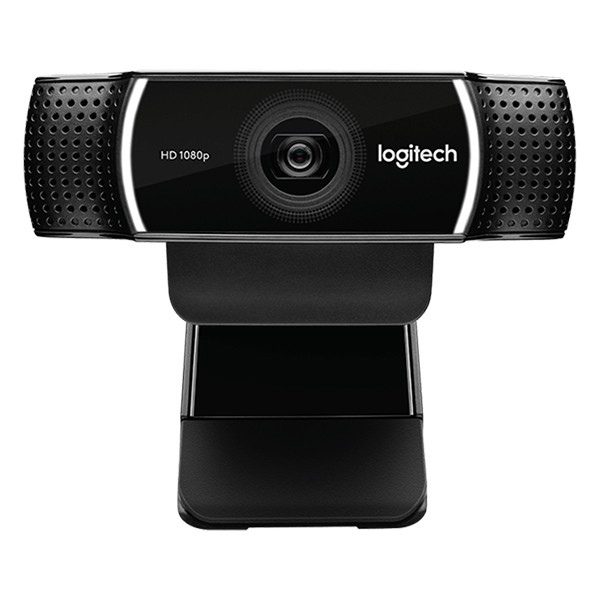
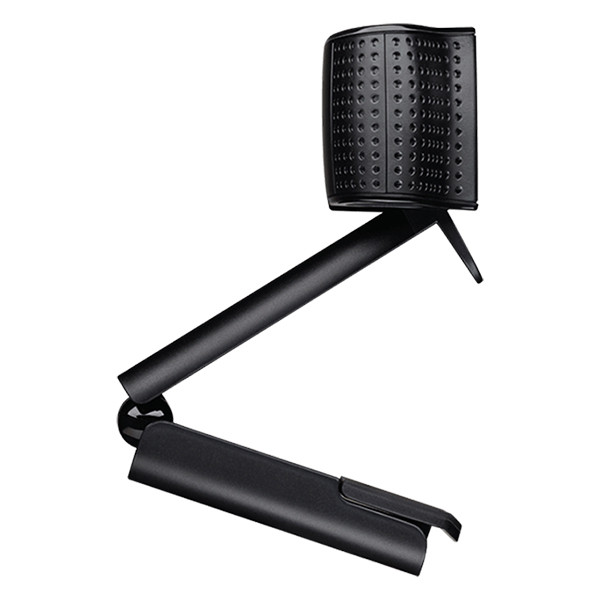
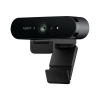
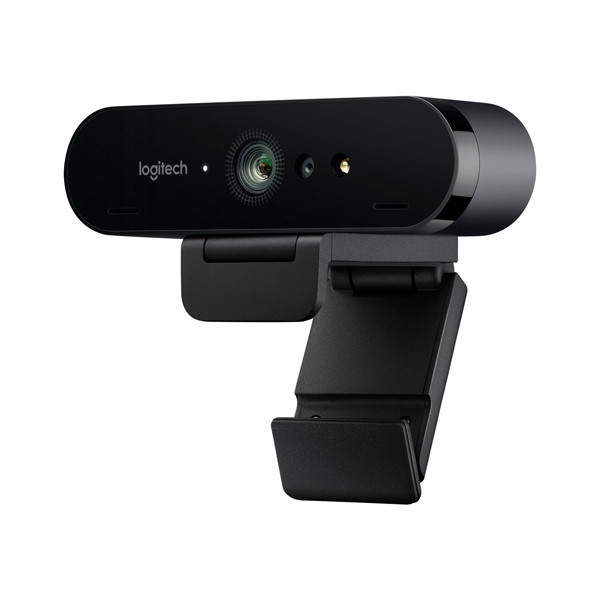
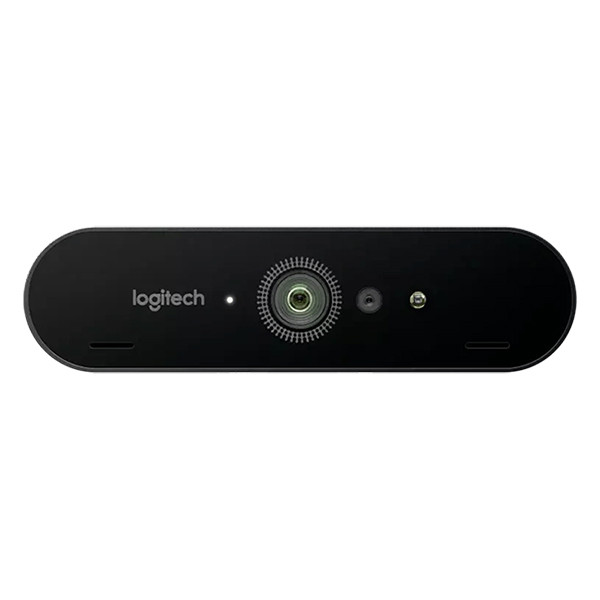
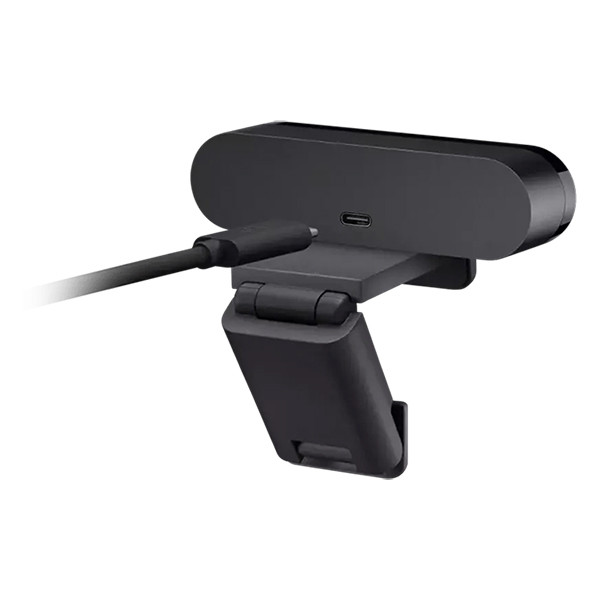
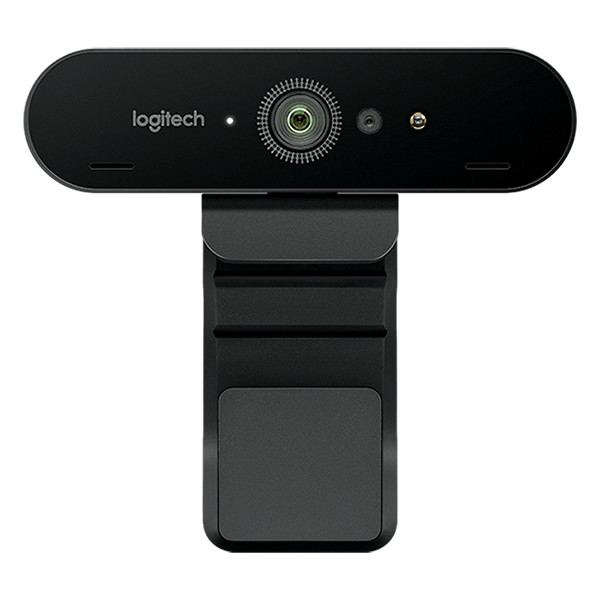
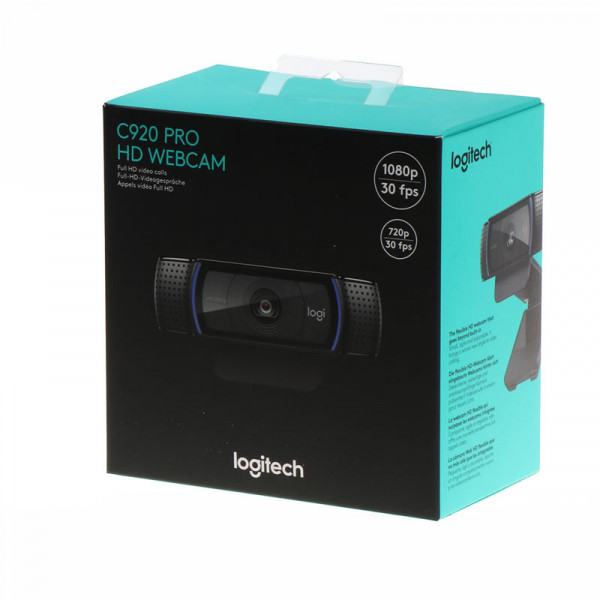
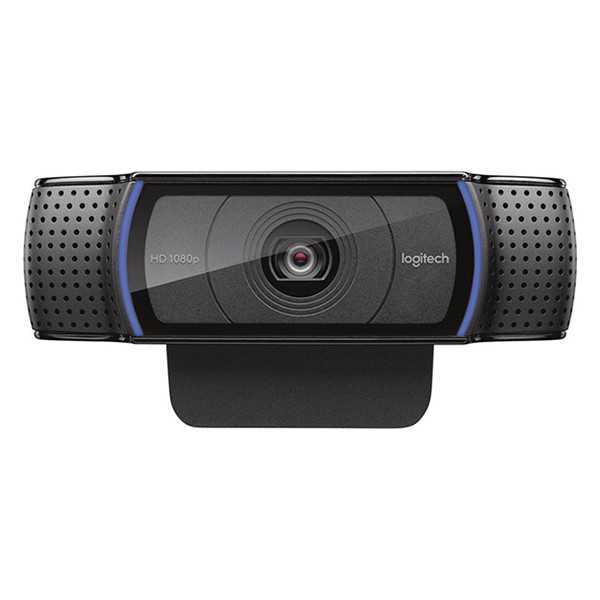
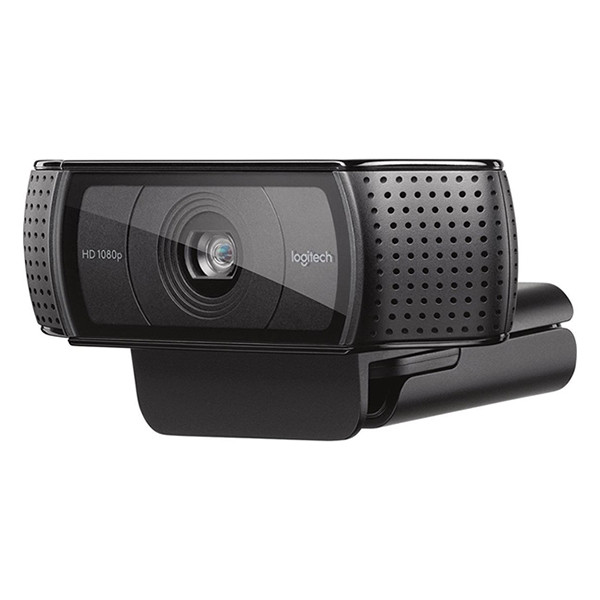
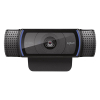
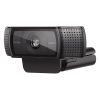
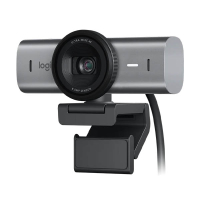
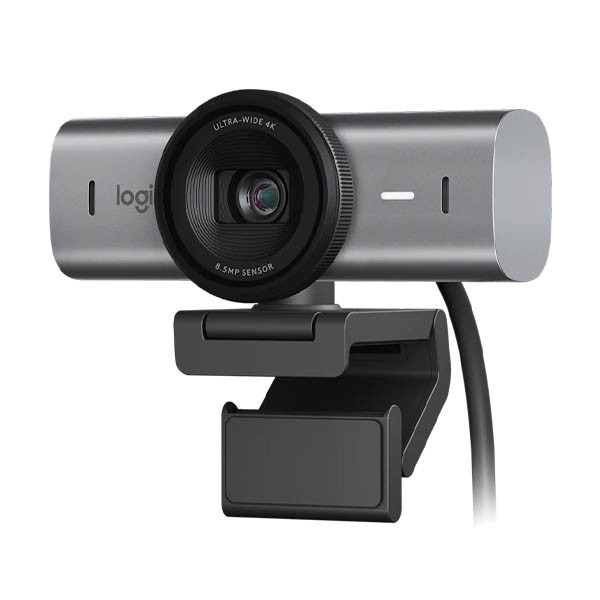
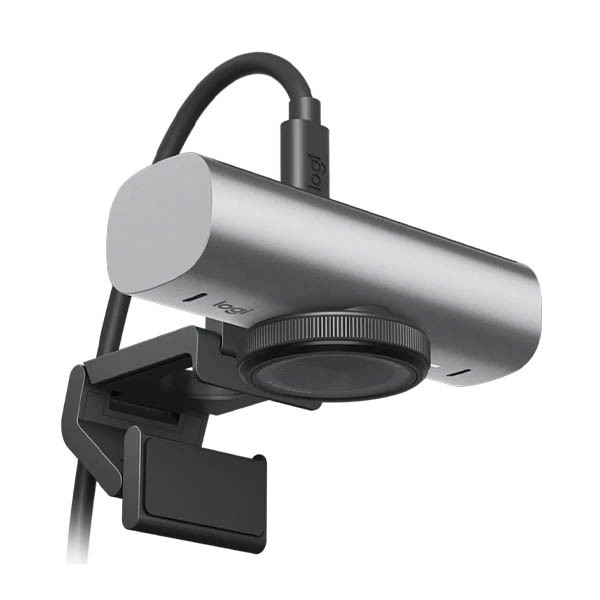
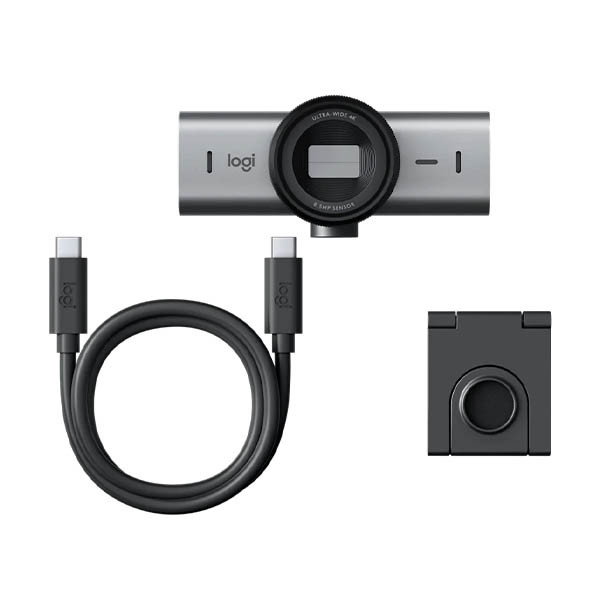
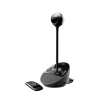
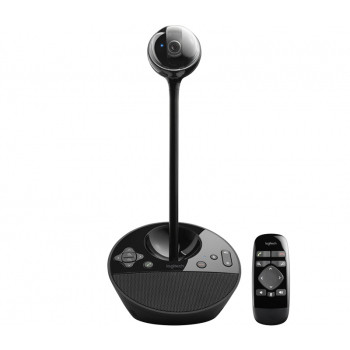
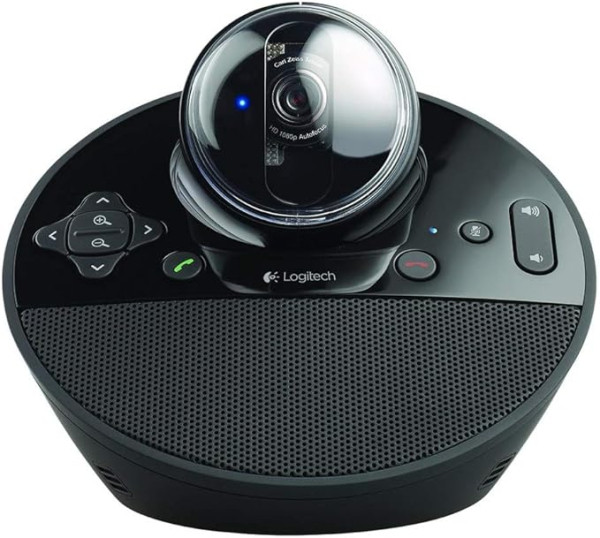
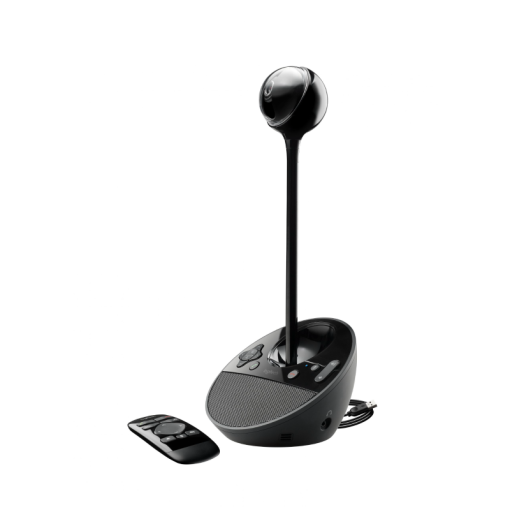
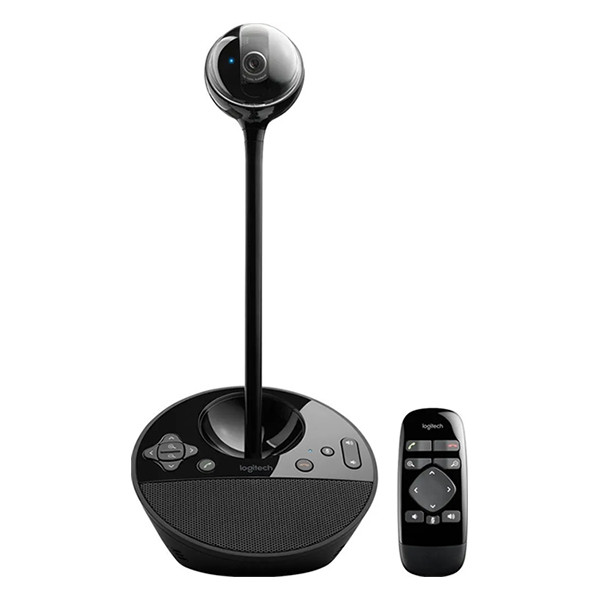
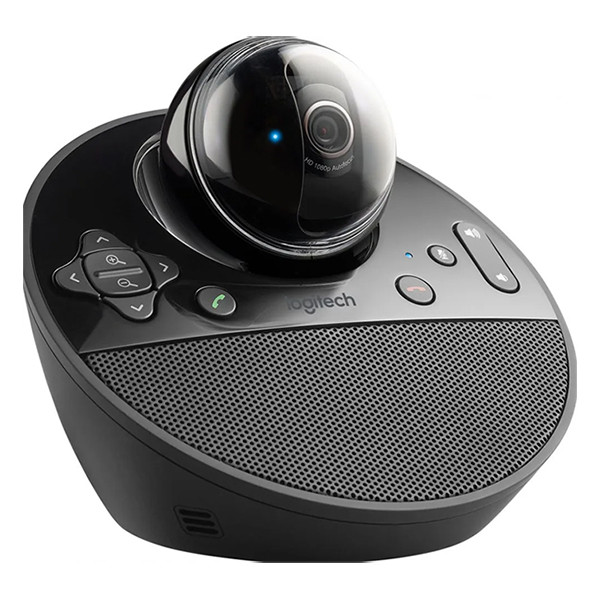
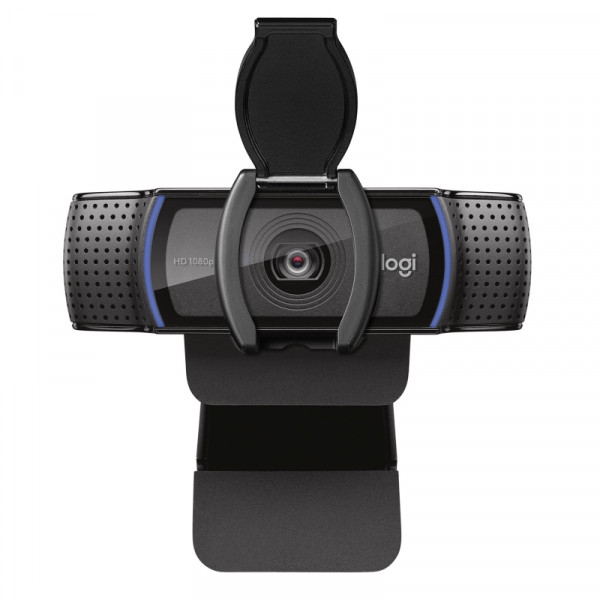
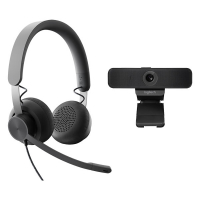
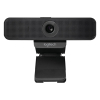
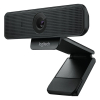
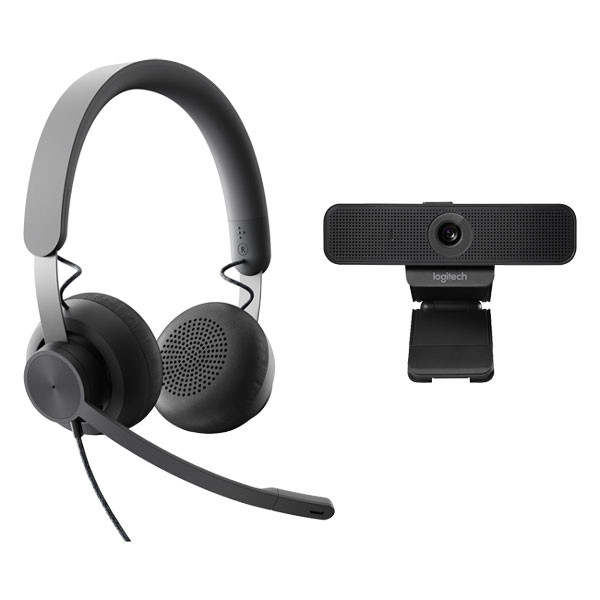
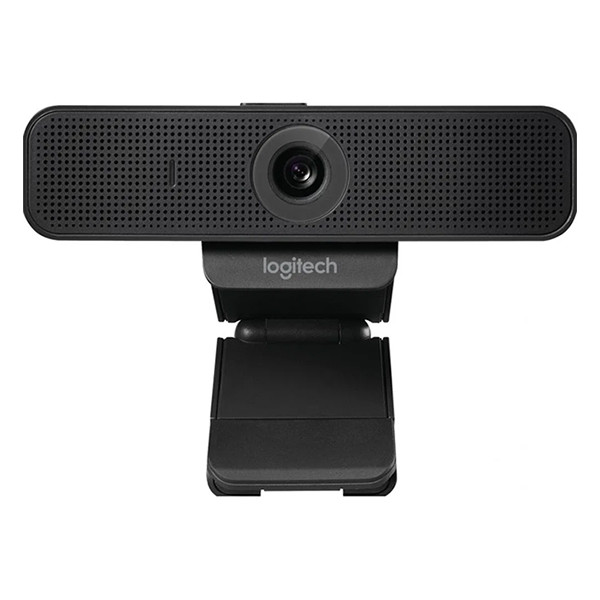
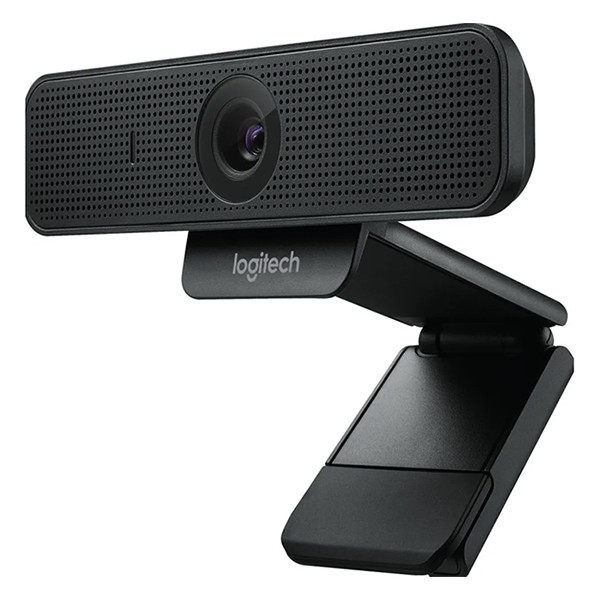
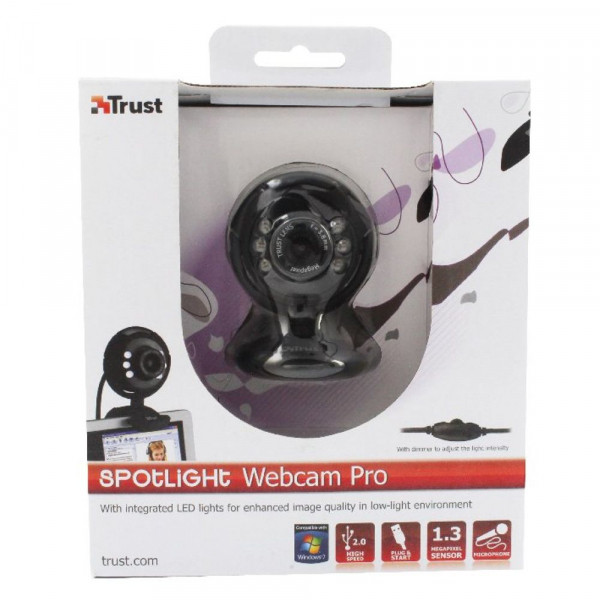
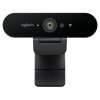
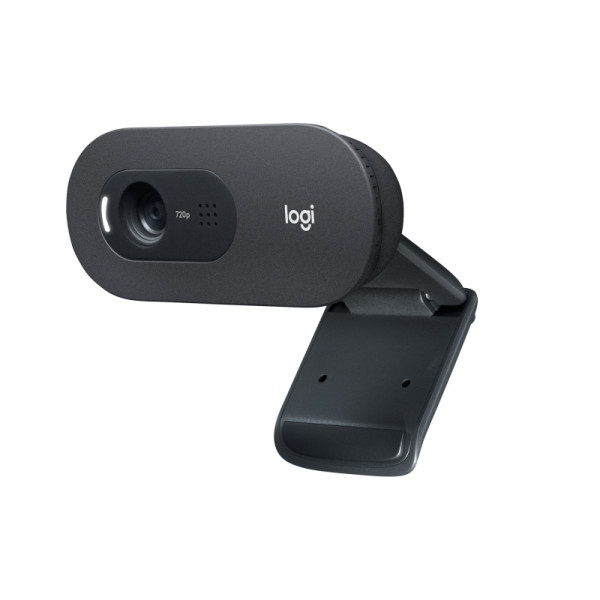
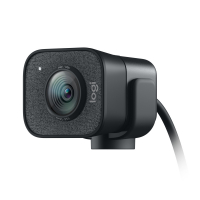
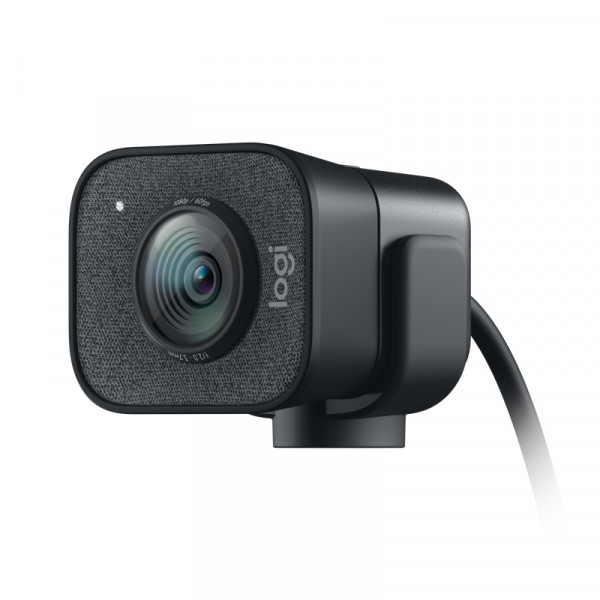
Buy webcams here for your PC or laptop setup to improve your visual communication. Investing in a good quality webcam opens many personal and professional opportunities. We have a wide selection available including the popular Logitech webcams, wireless webcams or webcams with Bluetooth for easy portability. Whether you need it for highly productive team meetings or are looking for the best webcam for streaming at home, we have the right one for you.
Professional uses for a webcam
With the popularity of remote and hybrid work, Webcams have become an important tool in keeping teams connected. While messages and emails are handy, there’s nothing quite like face to face, albeit remotely, communication. This keeps teams on track, fosters good relationships, and supports better understanding. Webcams are also invaluable for online teachers, lecturers or coaches who offer remote classes or check ins. A good webcam helps you to look professional, clear and reliable, which makes a huge difference.
A webcam can also be used to record short demos, onboarding, updates or seminars in your own time, allowing you to produce high quality, professional videos from the comfort of your home or office, whenever suits. Likewise, webcams are central to online content streamers for live reactions, gameplays, tutorials, or recorded videos.
Summary of webcam uses at work
- Video meetings (Zoom, Teams, Google Meet)
- Remote or hybrid work (daily check-ins, stand-ups)
- Client calls & interviews
- Presentations & training
- Online teaching or coaching
- Streaming
Personal uses for a webcam
A webcam can also be a useful tool to have for home use. Despite the obvious working for home, they can also be used for a number of reasons. Use a webcam to stay in touch with family or friends who live far away for a more personal feel. You can use it for a job interview which not only looks professional but allows you to show your personality more. For college presentations, a clear webcam is extremely useful also whether it’s a solo presentation or a group project.
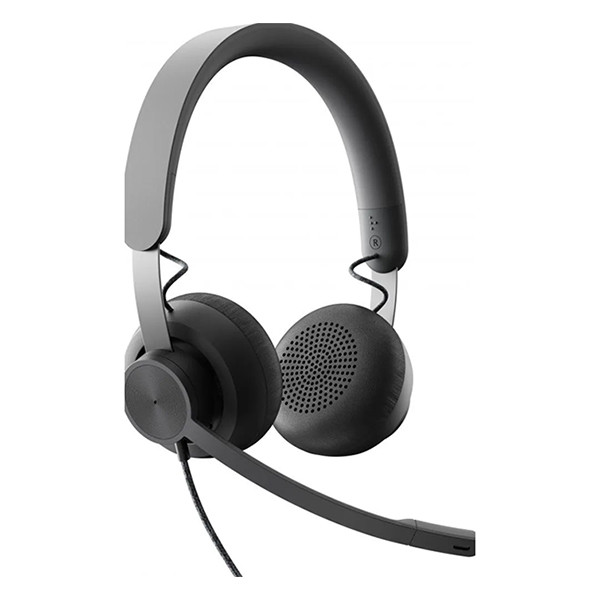
If you’re taking an online course for learning, upskilling or simply a hobby, a webcam allows you to communicate easily whether you’re learning a language, taking a yoga class, or an art or music class. A good camera set up along with a clear headset and microphone with make you feel like you’re in the room. Or, if you have privacy, a good speaker will set you up for an immersive sound experience. Video appointments with a health professional are also possible with a webcam, allowing you more connection and added care.
Summary of webcam uses at home
- Video calls with family & friends
- Remote or hybrid work (if working from home)
- Online classes or tutoring
- Streaming games or content for fun
- Recording personal videos or vlogs
- Home monitoring (pets, kids, security)
- Telehealth or online appointments
What to look for in a webcam
Webcams come in different quality resolutions. Choose a webcam that suits your needs. 720p is fine for casual calls, 1080p (Full HD) is ideal for home or work, and 4K is best for streaming or professional recordings. A higher frame rate, like 60 fps, provides extra smoothness, while 30 fps is adequate for meetings. Good low-light performance prevents grainy video and autofocus (or AI tracking) keeps you sharp even if you move. You might want to consider the field of view depending on whether you just need your face view or a wider background. Some webcams come with a built-in microphone, but a separate one is clearer for professional meetings. Privacy features, such as a physical shutter or easy mute, are useful, and ease of setup like attaching to a monitor, laptop, or tripod without complex software makes it hassle-free.
Webcam image quality
- For home video calls: 1080p, decent light handling, built-in mic fine
- For streaming/gaming: 1080p+, 60 fps, autofocus, external mic recommended
- For professional work: 1080p, good lowlight, clear audio, privacy cover
Other useful products
Common questions
What type of webcam should I choose for everyday home and work use?
For most people, a 1080p (Full HD) webcam with good low-light performance and autofocus is ideal for both home and work use. It provides clear video for meetings, online classes, and personal calls without being overly expensive. At 123ink.ie, you’ll find a range of reliable webcams that suit everyday video calls as well as more advanced needs like presentations or interviews.
Are webcams with built-in microphones good enough for meetings?
Built-in microphones on webcams are convenient and work well for casual calls or quick meetings. However, for professional meetings, presentations, or streaming, a separate microphone or headset usually delivers clearer audio. Many customers shopping at 123ink.ie choose a webcam with a built-in mic for flexibility and pair it with an external mic when higher sound quality is needed.
Can I use the same webcam for streaming and video calls?
Yes, many modern webcams are versatile enough for both streaming and video calls. Look for at least 1080p resolution, smooth frame rates, and reliable autofocus. If you plan to stream regularly, a higher frame rate (such as 60 fps) is beneficial. 123ink.ie offers webcams suitable for multitasking across work meetings, home use, and streaming setups.
Do you have questions about webcams? Check out our
FAQ page. We answer frequently asked questions there. If you can't find the answer to your question, our
customer service team is happy to help.