- Over 450,000 clients!
- Nationwide delivery from €4.99 (max €6.99)
Payment options

Follow us on social media


We're award-winning!


This site is protected by reCAPTCHA and the Google
Privacy Policy and
Terms of Service apply.
How to spot and resolve print issues on your laser printer
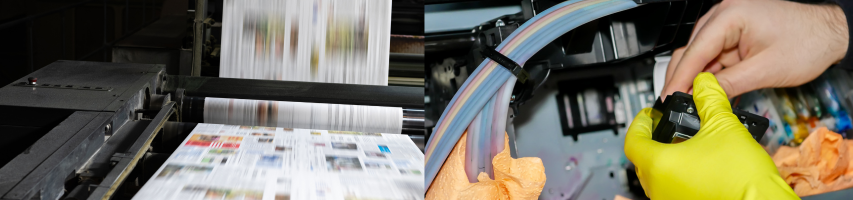
Laser printers are widely used in homes, offices and schools across the country due to their speed, precision and high-quality prints. But when something goes wrong, it’s not always obvious what’s causing faded text, streaks, smudges, or paper jams. These are common laser printer print problems, and in most cases, they can be traced to a worn or faulty printer part.
In this guide, we’ll show you how to identify the cause of print issues, what each part does, and how to fix them quickly, so your laser printer prints like new again.
Common Laser Printer Print Problems and How to Fix Them
Most laser printer print problems are caused by a few key components. Understanding these parts will help you quickly diagnose issues and restore high-quality prints.
Faded, patchy or uneven prints? Check the toner cartridge
If your prints look light, inconsistent, or are missing sections of text or images, the toner cartridge is usually the first place to check. Laser printers use powdered toner, which is transferred to the page using static electricity, while inkjet printers use ink cartridges. As toner levels run low, print quality drops quickly, often before the cartridge is empty.Signs of toner problems:
-
Faded text or images
-
Patchy or uneven prints
-
Colours looking dull or incorrect
-
Low-toner warnings
-
Typical lifespan: 1,500–5,000 pages (standard), 6,000–10,000 pages (high-capacity)
-
How to fix it: Replace the toner cartridge. As a temporary measure, gently shake the cartridge side-to-side to redistribute toner.

TIP!
Wear gloves when handling toner. Clean spills with a damp, lint-free cloth, never a vacuum cleaner.
Wear gloves when handling toner. Clean spills with a damp, lint-free cloth, never a vacuum cleaner.
Repeating Lines or Marks? Point to Drum Unit Problems
Seeing vertical lines or repeating marks on every page, even after replacing toner? The drum unit may be worn.A drum unit works alongside the toner cartridge to transfer toner from the cartridge onto the paper. It uses an electrical charge to form the image. Drums don’t need to be replaced as quickly as a toner, your printer will alert you if it does. As laser printers have a long life, you’ll typically have to replace your drum at some point.
Signs of drum problems:
-
Repeating lines or streaks
-
Ghost images (faint repeated images)
-
Drum alerts on the printer
-
Typical lifespan: 10,000–30,000 pages, depending on printer model.
-
How to fix it: Replace the drum unit. Avoid touching the drum surface; oils from your hands can damage it.
Smudged or wrinkled prints indicate fuser unit issues
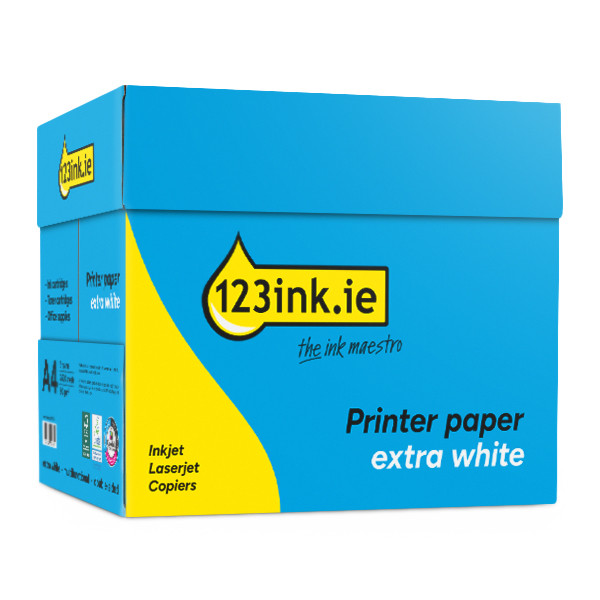
If toner rubs off the page or prints are wrinkled, the fuser may not be bonding toner properly. The fuser unit uses heat and pressure to permanently fuse toner onto the paper. A fuser unit is one of the hottest parts of a printer, so maintenance must be approached with caution. The fuser interacts with the printer paper so it’s crucial to have high-quality paper to avoid paper jams. Choose 123ink A-grade quality paper to avoid any paper jams or damage to the fuser unit.
Signs of fuser problems:
-
Smudged or blurred prints
-
Toner rubbing off easily
-
Wrinkled or curled pages
-
Fuser warning alerts
- Typical lifespan: 50,000–100,000 pages
- How to fix it: Replace the fuser and use high-quality paper to avoid further damage.
SAFETY TIP!
The fuser can become extremely hot during operation, so always allow it to cool completely before touching or replacing it to prevent burns.
Uneven print coverage? Likely worn transfer roller
Uneven prints or faded sections may indicate a worn transfer roller (or transfer belt). The transfer roller or transfer belt moves the toner from the drum onto the paper. This ensures even toner coverage across the paper so your prints come out even. Over time, it can wear out. Some printers include it in a maintenance kit.
Signs of transfer roller problems:
-
Uneven toner distribution
-
Faded areas on the page
-
Transfer error messages
-
Typical lifespan: 20,000–50,000 pages
-
How to fix it: Replace the transfer roller or install a maintenance kit if supported.
Paper jams or misaligned pages? Caused by Paper tray issues
Frequent paper jams, skewed prints, or misfeeds are usually caused by the paper tray. The paper tray holds and feeds paper into the printer.
Signs of paper tray problems:
-
Frequent jams
-
Crooked prints
Paper not feeding properly
How to fix it: Align the paper correctly, avoid overfilling the tray, and use the correct paper size. Upgrade to a higher-capacity paper tray if needed.
Printer shutdowns or not turning on? Power supply problems
If your printer suddenly shuts down or won’t power on, the power supply may be faulty. The power cable provides power or electricity to the printer's internal components. You can always order a replacement power cable if required.
Signs of power supply problems:
-
Printer won’t turn on
-
Intermittent shutdowns
-
Power error messages
How to fix it: Check and replace the power cable if damaged.
SAFETY TIP!
Most new printers do not come with a USB printer cable to connect your printer to your PC or laptop.
Seeing multiple print issues? Maintenance kits can help
If you’re seeing multiple print problems or maintenance warnings, your printer may need a maintenance kit. These kits typically include parts like the fuser, rollers, and other wear items.
Typical lifespan: 50,000–100,000 pages
Signs you need a maintenance kit:
-
Printer displays maintenance warnings
-
Declining print quality across multiple areas
Replacing the kit restores print quality and prevents breakdowns.
Looking to keep your laser printer in top condition? Learn more about how best to maintain your laser printer.
Quick laser printer print problems troubleshooting table
| Problem | Likely Cause | How to Fix |
|---|---|---|
| Faded prints | Low toner | Replace toner cartridge |
| Repeating lines | Worn drum unit | Replace drum unit |
| Smudged prints | Fuser unit failure | Replace fuser, use quality paper |
| Uneven prints | Transfer roller wear | Replace transfer roller |
| Paper jams | Misaligned tray or wrong paper | Adjust tray, check paper type |
| Blank pages | Empty or incorrectly installed toner | Check toner installation |
| Ghosting (faint repeated images) |
Drum or fuser issue | Replace drum or fuser |
Other useful products


Common questions
Why are my laser printer prints faded or patchy?
Faded or patchy prints are usually caused by a low or faulty toner cartridge, worn drum, or incorrect toner installation. Standard toner cartridges typically last 1,500–5,000 pages, while high-capacity cartridges can reach 6,000–10,000 pages. At 123ink.ie, you can find compatible standard and high-capacity toner cartridges for all popular printer models, and most printers will also display a low-toner warning to help you know when to replace it.
Why do I see repeating lines, streaks, or ghosting on my pages?
Repeating lines, streaks, or faint repeated images (ghosting) are often caused by a worn or damaged drum unit, fuser issues, or a dirty transfer roller. Drum units generally last 10,000–30,000 pages depending on your printer model. 123ink.ie stocks compatible drum and fuser units and provides guidance on part replacement to restore sharp, streak-free prints. Many printers will also show a drum or fuser alert when replacement is required.
Why are my prints smudged or wrinkled?
If toner rubs off the page or prints appear smudged or wrinkled, the fuser unit may not be bonding toner properly, or poor-quality paper could be the issue. Fuser units typically last 50,000–100,000 pages.123ink.ie supplies high-quality fuser units and A-grade printer paper to prevent smudging and ensure smooth, crisp prints. Some printers will also display a fuser maintenance warning when replacement is needed.
Do you have any questions about laser printer print issues? Then check out our Questions & Answers page. Here you'll find answers to frequently asked questions. If you can't find the answer to your question there, our customer service team will be happy to help.
Do you have any questions about laser printer print issues? Then check out our Questions & Answers page. Here you'll find answers to frequently asked questions. If you can't find the answer to your question there, our customer service team will be happy to help.
| A4 80g paper | 123ink FSC® | 500 sheets | ||
|
|
||
|
Price per ream
|
Order now, we can ship this today! | |
|
|
In stock
|
|
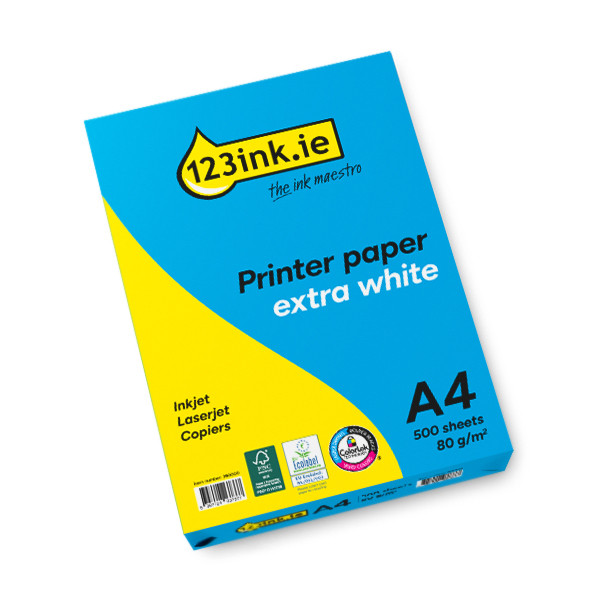

| A4 80g paper | 123ink FSC® | 2,500 sheets | ||
|
|
||
|
Price per ream
|
Order now, we can ship this today! | |
|
|
In stock
|
|